I was using v3.17 but Apple will not allow contains UIWebKit from April, 2020 for new app. So, I want to start new project with new version. I downloaded v4 from website. I created new project.
Later, I created new header file and called “Definitions.h”. I include this file to HelloWorldScene.cpp (#include “Definitions.h”). And, ‘Definitions.h’ file not found. I don’t know that how to work cmake system but I added to list for cross-platforms.
In this time, Xcode build always cancelled. Also, I removed “Definitions.h” from list, but I can’t build. I checked signing and this values is removed. I fixed this values but this values is removed when I rebuild project. On the other hand, I’m trying to build for simulator and still cancelled.
I want to write shortly for information. First of all, I don’t like that I need to select signing certificate in each build. So, I added this options to CMake file.
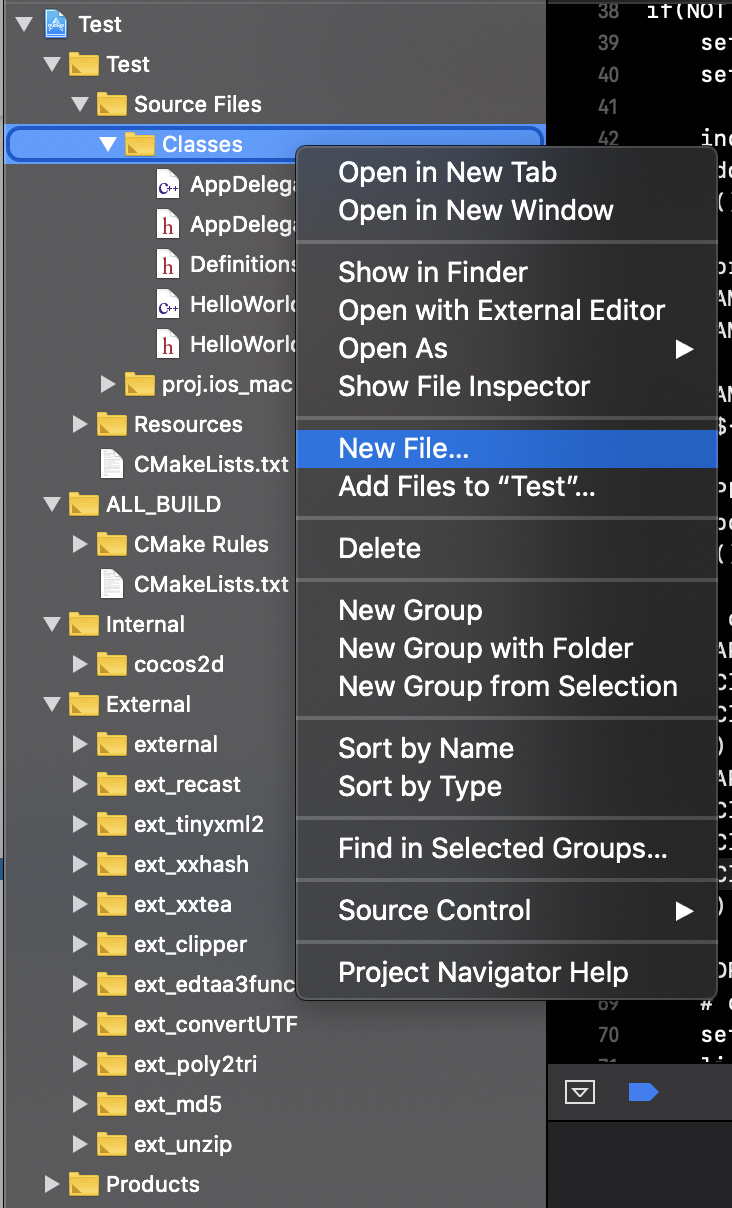
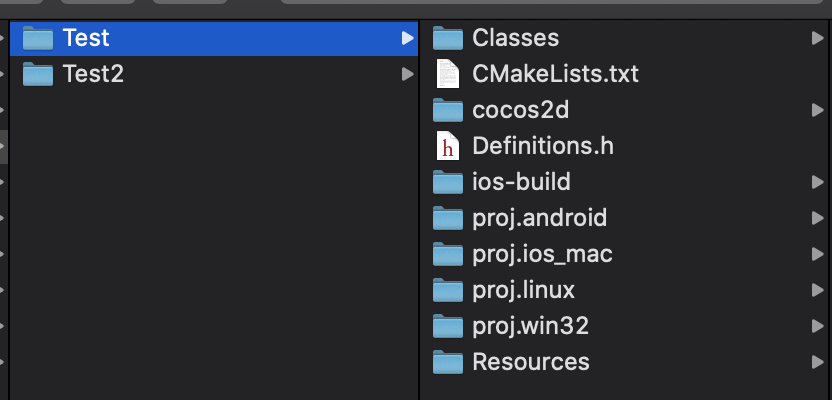
Later, I said in previous post. When I added new file in Xcode, this file location is wrong. I moved to Classes folder. Then, I added to h (GAME_HEADER) and cpp (GAME_SOURCE) list in CMake. This wrong folder problem exist that creating folder. If I create folder in Xcode, I need to create physical location. Later, I select location for that folder in Xcode. In addition, I must add this folder name to target_include_directories in CMake file. Finally, If I create new file, I need to run CMake code in terminal.
Don’t need CMAKE_BUILD_TYPE options when -G Xcode or Visual Studio, CMake scripts will generate both configurations, so you can switch Debug and Release in IDE.