For example, if I want the 3D content to draw on the canvas, but the content needs to shift a bit, how do I adjust the camera?
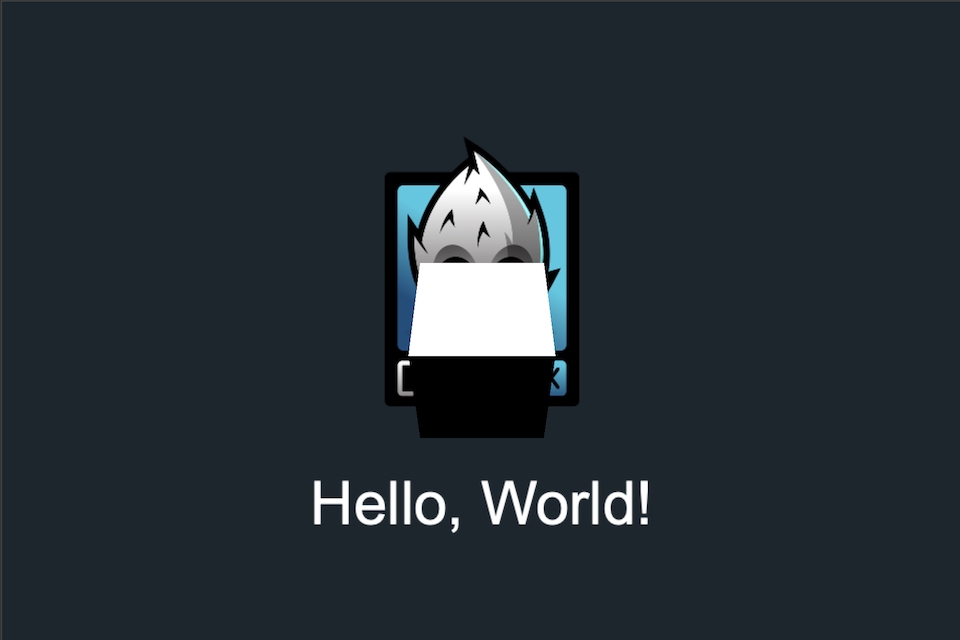
For example, the following screen is version 2.4.5, which has a 3D box at (0,0,0):
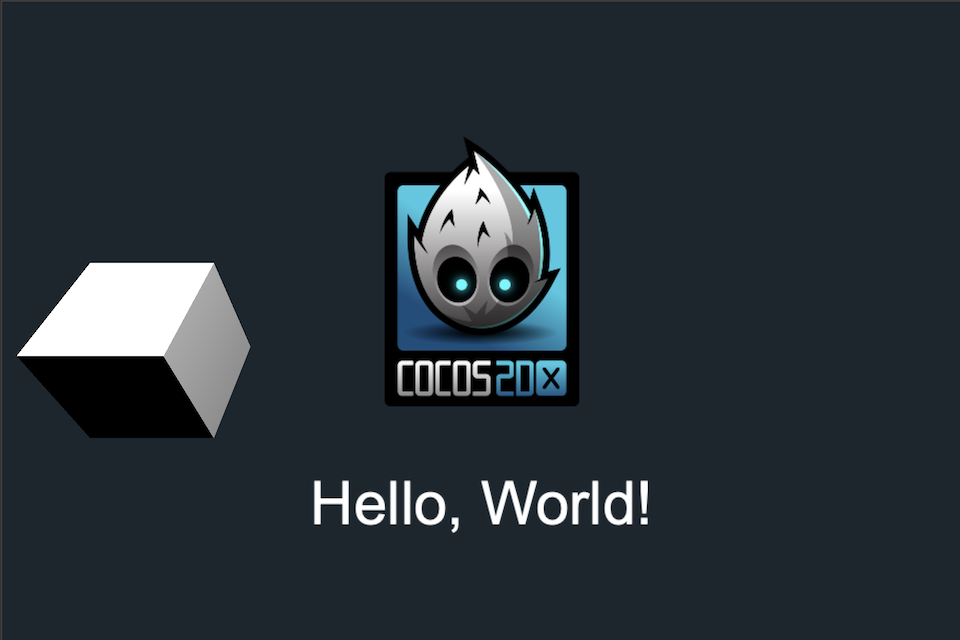
The following screen has a 3D box at (-80,0,0), it shows the right hand side of the box because it is in orthographic view:
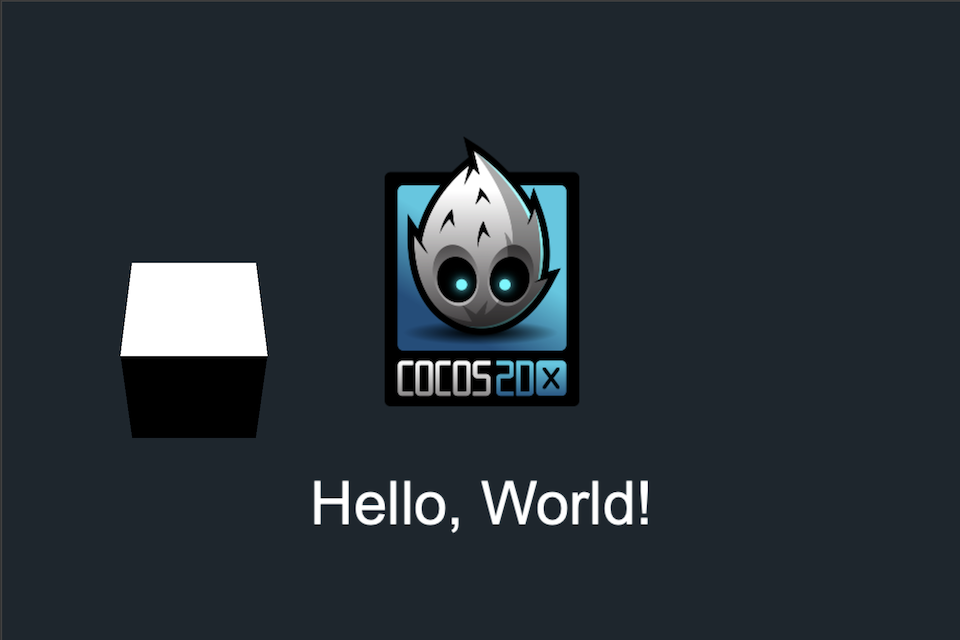
However, now I want to show something a bit different : while I want orthographic view, I want the camera to show the box at (-80,0,0) as if in (0,0,0) like the following:
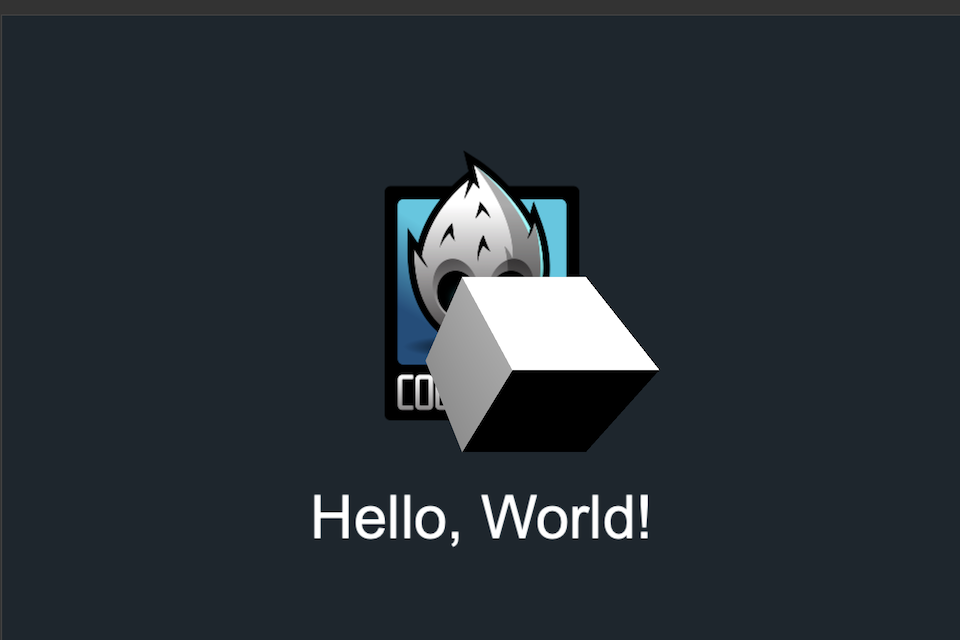
and the box at (0,0,0) would be shown as if the following:
Both finding solutions for both 2.4.5 and 3.8.7 version, is there any way to shift the position of the 3D camera like the effect above, which the (0,0,0) view of the camera is shifted to another position(eg:-80,0,0)?