i too confused kindly help me step by step process
I followed the step you attached, but I’m not getting APK format I got the folders only with some files
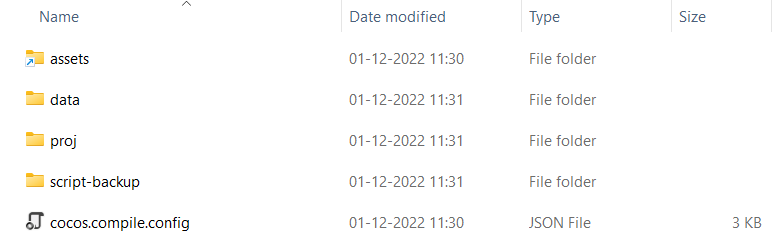
Guide me how to take. apk


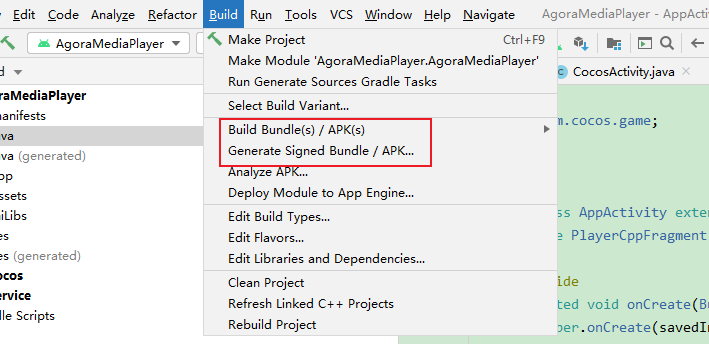
Some candidates are: ‘bundle’.
- Try:
Run gradlew tasks to get a list of available tasks. Run with --stacktrace option to get the stack trace. Run with --info or --debug option to get more log output. Run with --scan to get full insights.
now wt to do
You can use gradlew compileDebugSources -stacktrace -info in the terminal panel to get detailed error messages.

Deprecated Gradle features were used in this build, making it incompatible with Gradle 7.0.
Use ‘–warning-mode all’ to show the individual deprecation warnings.

Did you modify the build.gradle file?
no bro
It is convenient to provide the complete compilation logs, this information has no way to find the problem.