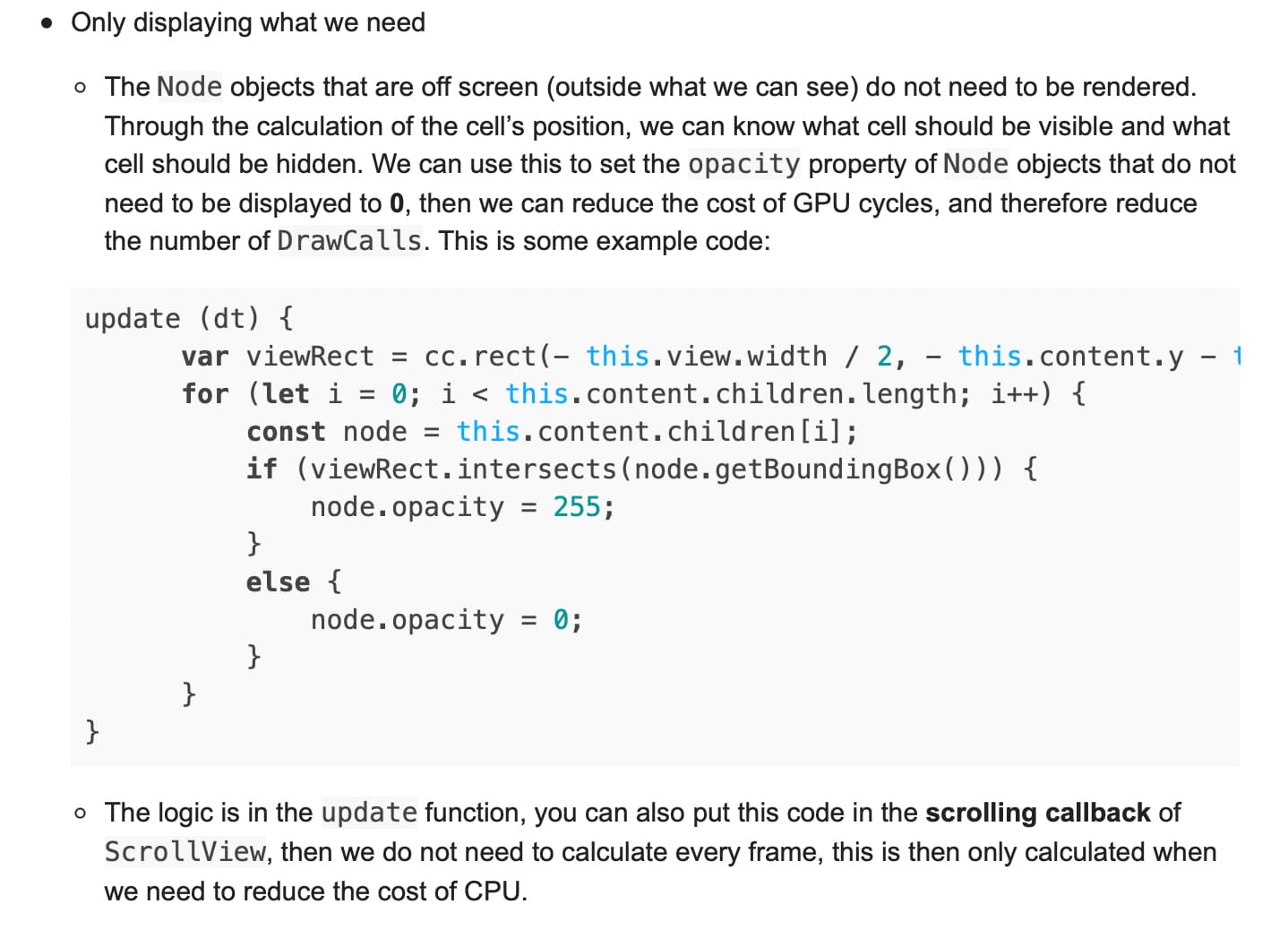
Hello! Before creator 3.0 we were using this tutorial to optimise all scroll views in our projects:
Cocos Creator ScrollView Performance Optimization Note: This article is based on Cocos Creator 2.1.2 version Note: You can reference to this demo project Introduction and why are there performance problems The ScrollView component of Cocos...
Reading time: 3 mins 🕑
Likes: 18 ❤
In version 3.5.0 when i set 0 opacity to a node draw calls do not drop down.
this.node.getComponent(UIOpacity)!.opacity = 0
This way is not good:
this.node.active = false
because it freezes a game
Is there a new good way to optimise a scrollview?
1 Like
Turning off the node is freezing the game? i dont’ understand that.
node.getComponent(ScrollView).enabled = false
im’ more confused now. So based on the documentation opacity =0 should work but you are not seeing the draw calls go down. Now you tried node.active=false but that is a huge performance hit? If the node has a sprite component associated, you can disable that so the rendering stops// one more test just like node.active = false.
I set enabled component to false to optimize.
update (dt) {
      var viewRect = cc.rect(- this.view.width / 2, - this.content.y - this.view.height, this.view.width, this.view.height);
      for (let i = 0; i < this.content.children.length; i++) {
          const node = this.content.children[i];
          if (viewRect.intersects(node.getBoundingBox())) {
              node.getComponent(cc.Sprite).enabled = true;
              node.getChildByName('text').getComponent(cc.Label).enabled = true;
          }
          else {
              node.getComponent(cc.Sprite).enabled = false;
              node.getChildByName('text').getComponent(cc.Label).enabled = false;
          }
      }
}
I have a ticket on github regarding CC3 and opacity = 0 that I really liked in CC2 where it didn’t render and cause drawcalls.
opened 11:52AM - 24 May 22 UTC
Optimization
Module: 2D
### Cocos Creator version
3.5.0
### System information
Windows 11, Chrome
##… # Issue description
In CC2 when you put something to opacity = 0 it didn't cause a drawcall. In CC3 this is not the case. It only works by disabling the node. Using opacity is in many times more comfortable than disabling a node. Also having a node disabled by default won't run the attached components.
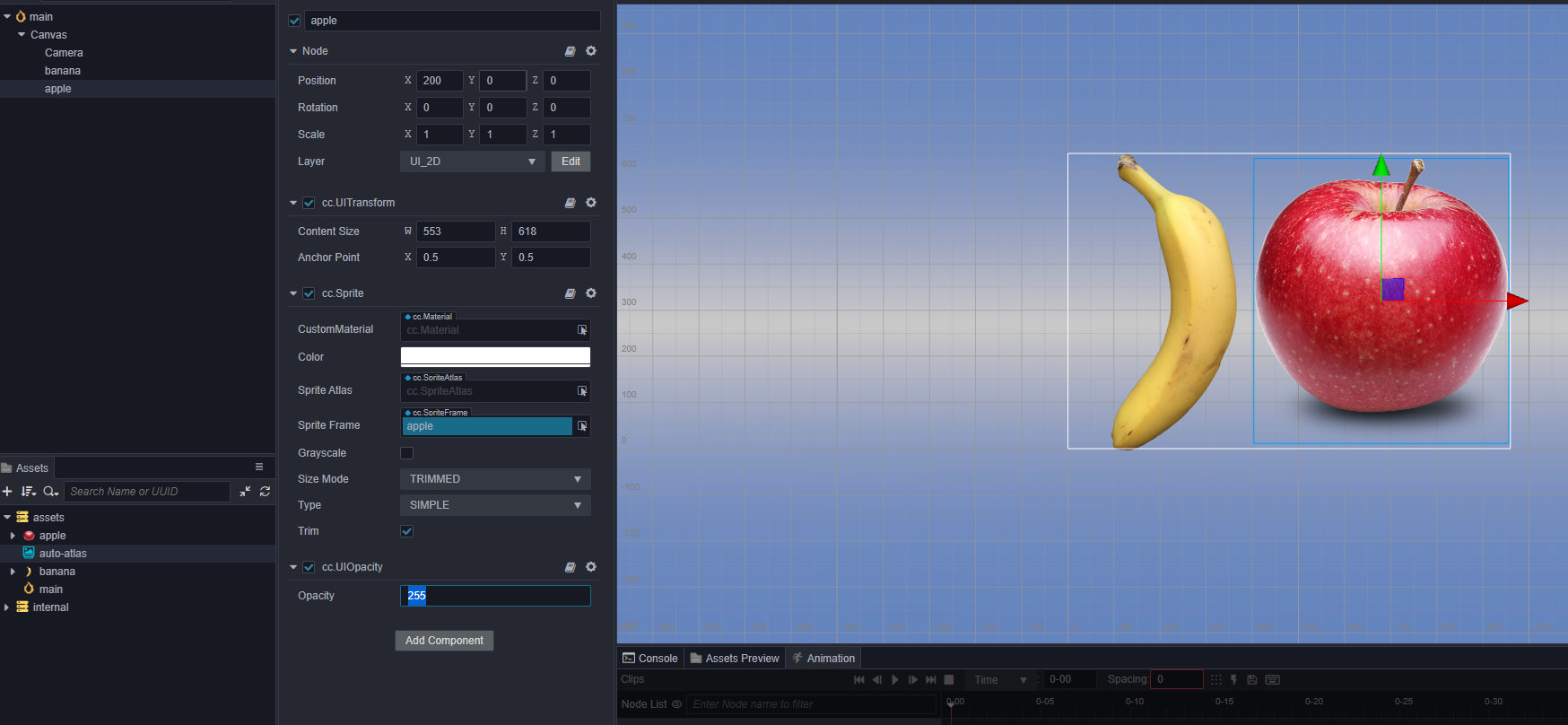
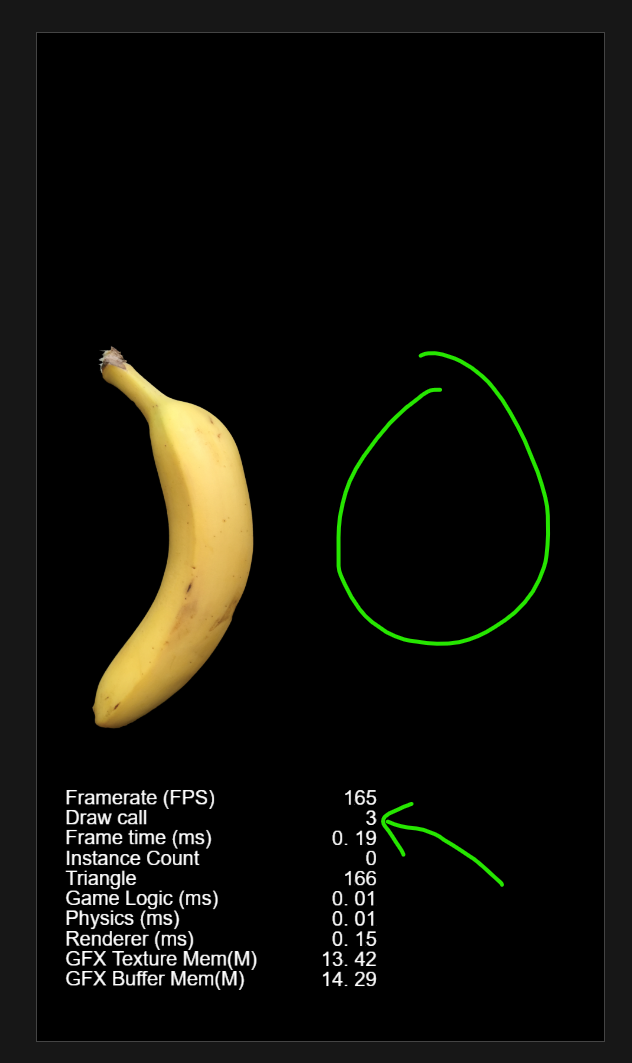
Here you see a 255 opacity apple and a banana. This causes 3 drawcalls (since the drawcall text output itself is a drawcall)
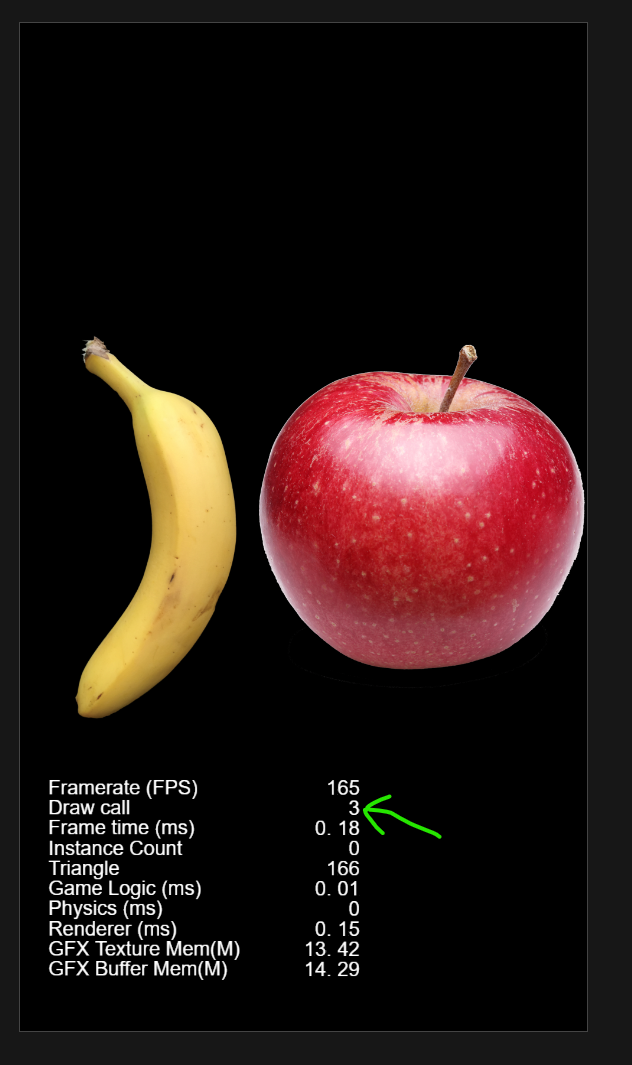
Hiding the node with opacity = 0
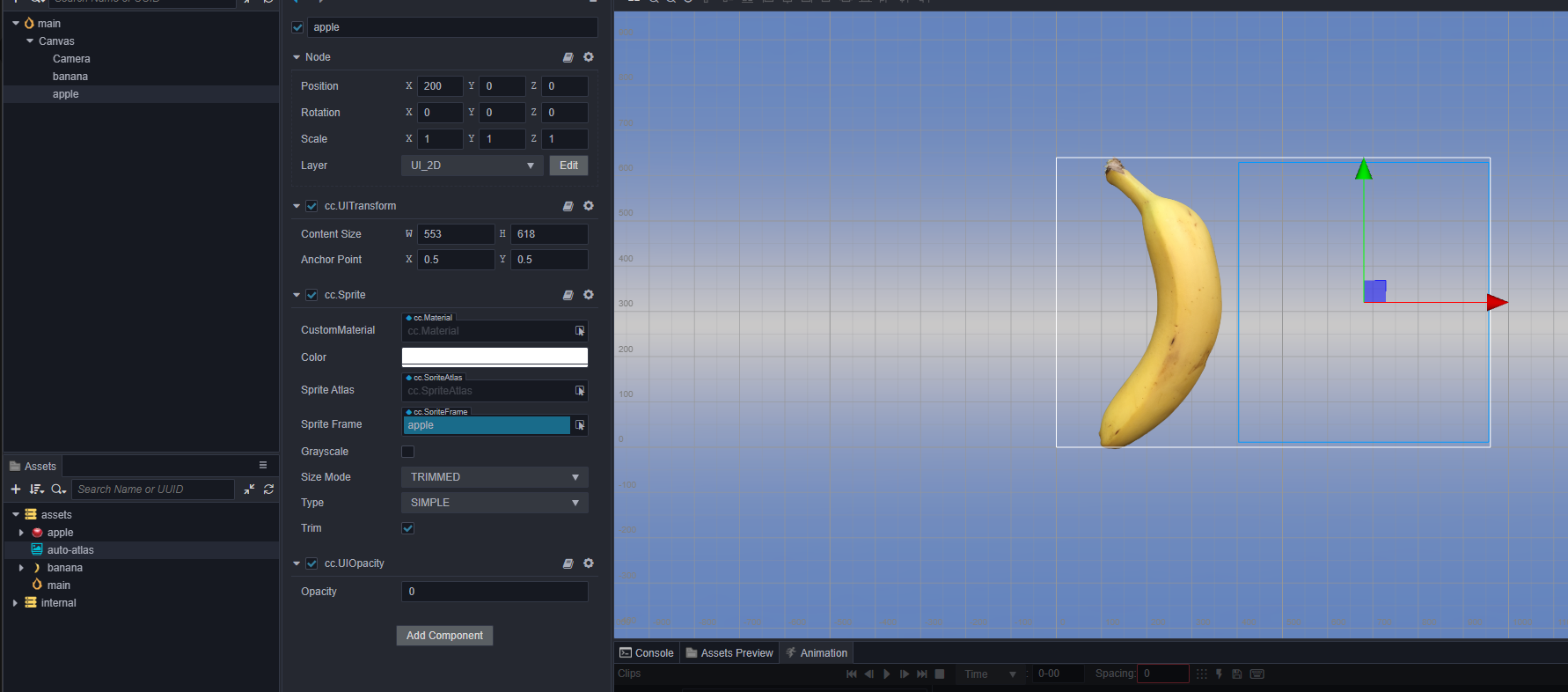
Does not remove the drawcall like it did in CC2.
### Relevant error log output
_No response_
### Steps to reproduce
Place opacity = 0 on a node containing a sprite or something that causes a drawcall, it will be invisible but still cause a drawcall that reduces the performance.
### Minimal reproduction project
Demo from above description
[drawcall-test.zip](https://github.com/cocos/cocos-engine/files/8762367/drawcall-test.zip)
1 Like
Zakhar
June 16, 2022, 4:17pm
8
Interesting
I thought if i change the layer of a node to an other layer, the node will not be rendered. It will not.
A camera of a canvas has UI_2D layer and a node too.
And nothing happed. Draw calls do not drop down.
But this idea works good in v2.4.8.
Yes, if I set active false then true it makes a huge freezing.