[Solved] Debug Cocos2d-js on Android using logcat and terminal

How do I view cc.log statements when running a Cocos2d-js application on an Android device? Running adb logcat and launching my app gives me tonnes of information about other processes occurring on my android device, but I cannot see anything about the Cocos2d-js application.

I’m using Windows 10, and I don’t want to install an IDE. My app is currently displaying a black screen on Android (not in a browser) and I’d like to see what’s causing it!

Using cocos framework or source code ?

for cocos framework. please use console.log

How do I view the console.log and cc.log output when the app is running on a device though?

You can use logcat if you prefer commandline
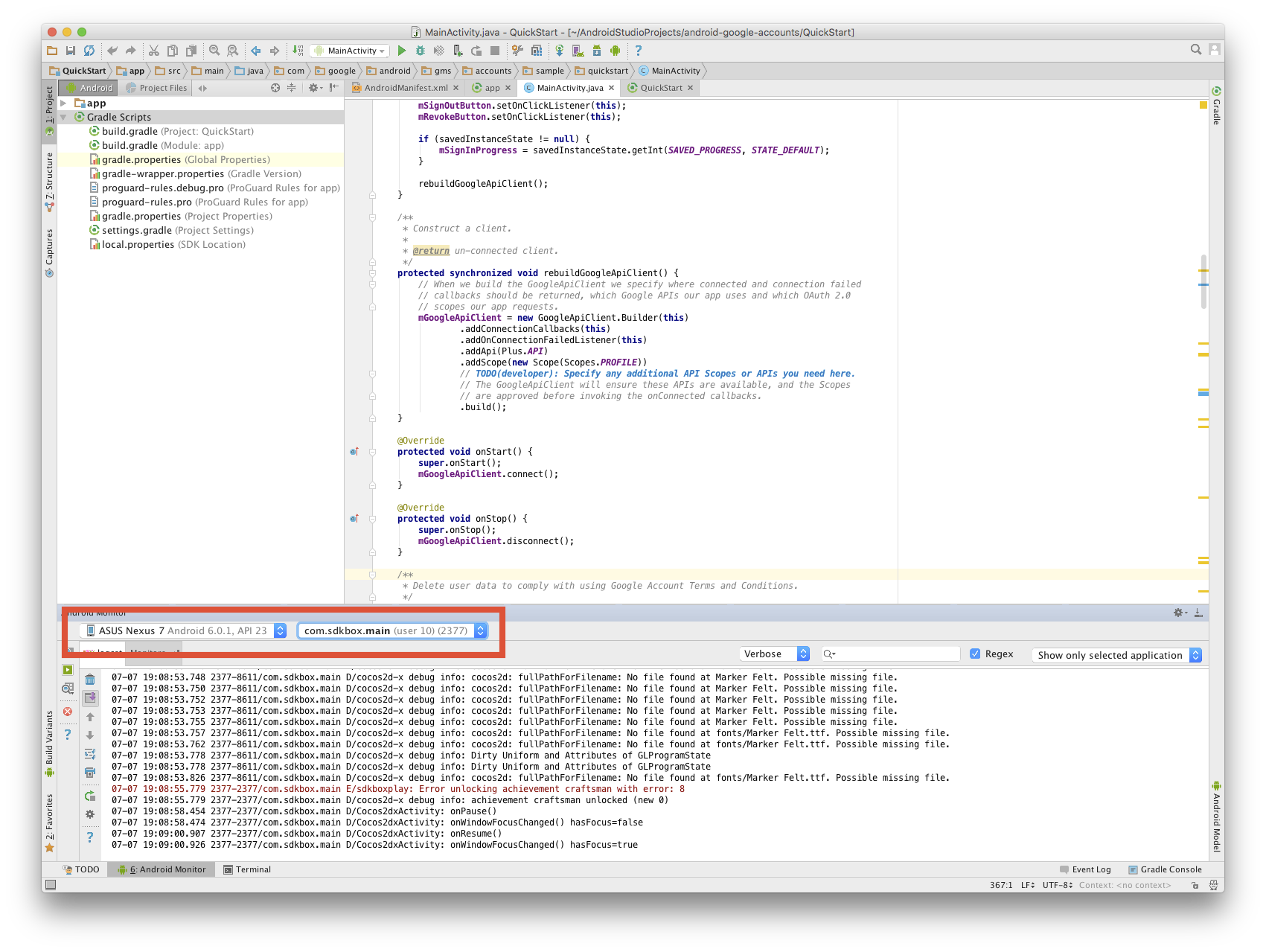
Or you can use android studio select the thread you want and capture the log from there

Note: only debug version of your game will output log, unless you change your compile settings

2 Likes

How do I filter logcat messages from the terminal? Is there some specific string I can search for specifically related to cocos2d-js error messages?

Thanks

If your app is in debug mode, you can choose to see only the logs from your app from the highlighted area from my screenshot

That’s in Android studio though. How about if I’m in the terminal?

I use this line in the terminal on linux, probably works on mac too:

$ adb logcat | grep "D/cocos"
1 Like

Thank you!! Did the equivalent on windows with the query

>adb logcat | find "cocos"

Feel a bit stupid for not trying to search for “cocos” beforehand. Works great though! I can see all my debug information :smile:

I definitely feel like this should be more prominent in the Cocos2d-x documentation as it’s a really simple and effective way of debugging without using an IDE.
1 Like