About
SSRShaderGallery is a module separated from SSRShaderEditor.
ShaderEditorcan only be found in theChineseCocos Store Section since
I do not have enough time to translate all the stuffs into English yet, it contains way too much features which may taken quite a long time to get it done and I am not sure if there are enough users interested in it or not.
SSRShaderGallery is much lighter and more simple to use compared to ShaderEditor which allows the users to browse Online Shader FX (over 100) listed in the Gallery as well as Testing them at realtime and Export the shaders in a format that can be used directly in Cocos Creator.
Let me introduce all the key features in SSRShaderGallery in detail in the following sections.
And here are some videos on how to use ShaderGallery you may check out first. (日本語の字幕も付き):
ShaderGallery Tutorial Part.1 on Youtube
ShaderGallery Tutorial Part.2 on Youtube
Key Features
FX Gallery

All the Shader FX listed in Gallery are divided into different groups that have same Theme so that the users can find the Shader FX they may need quickly.
FX List
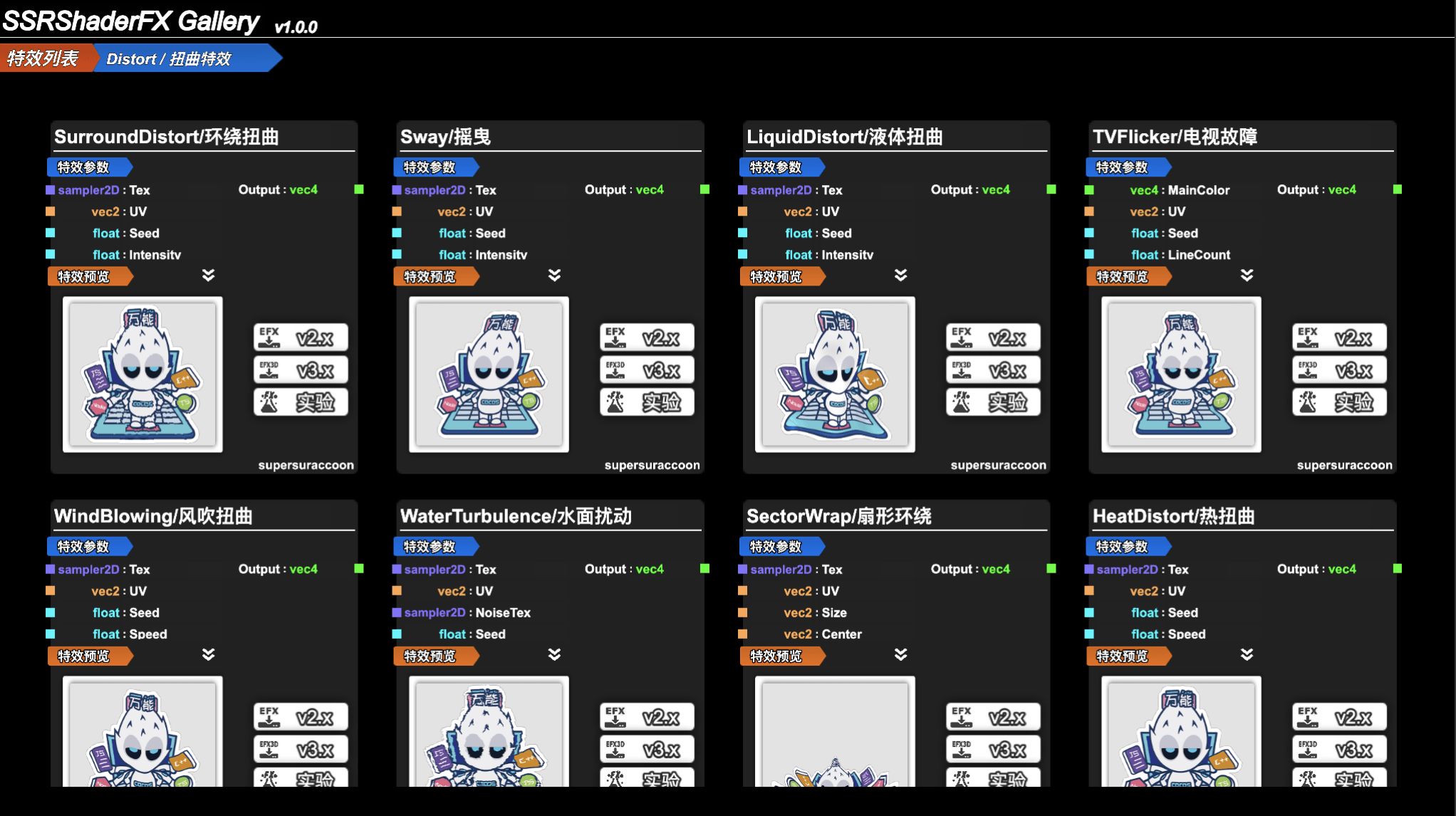
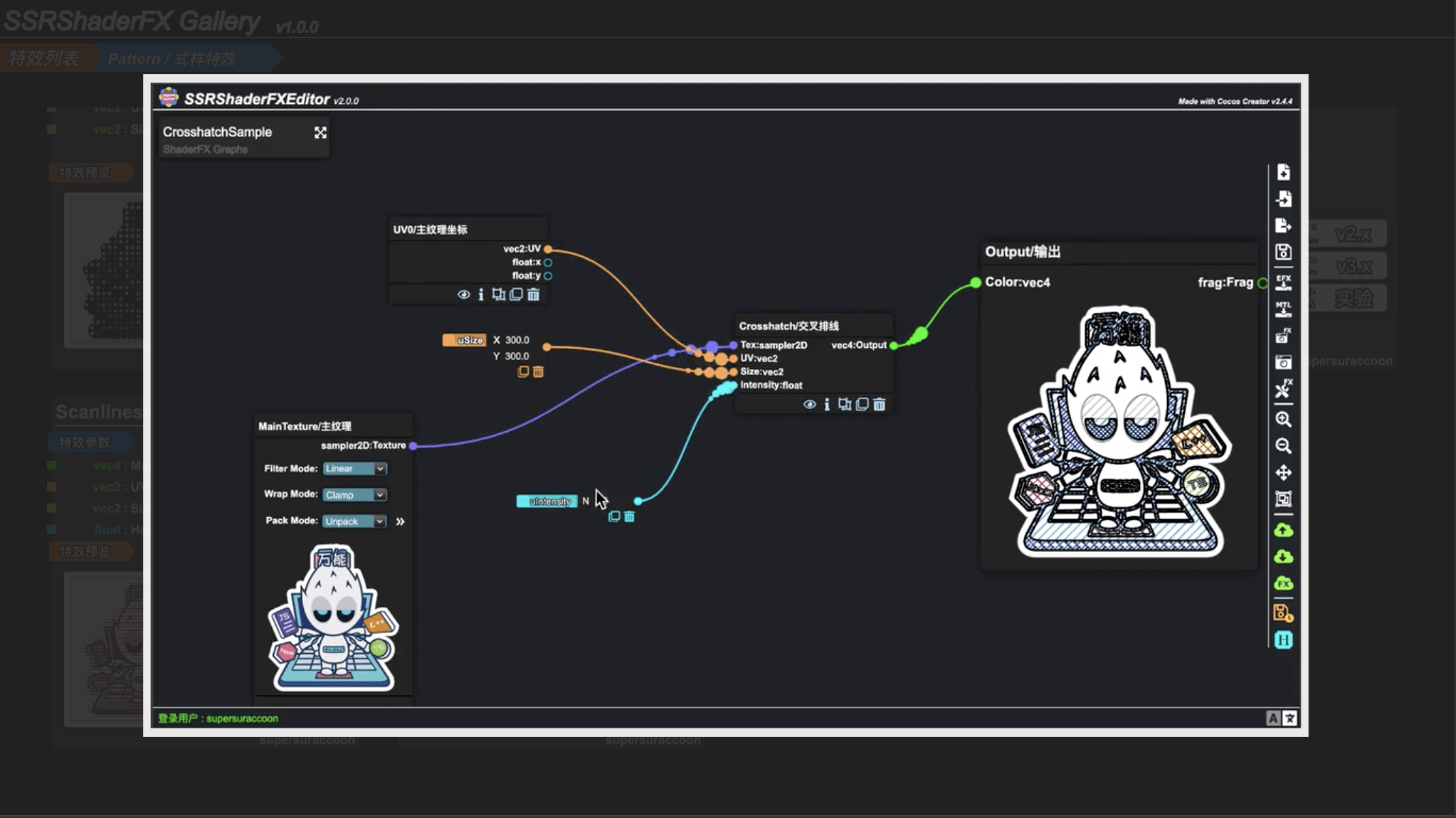
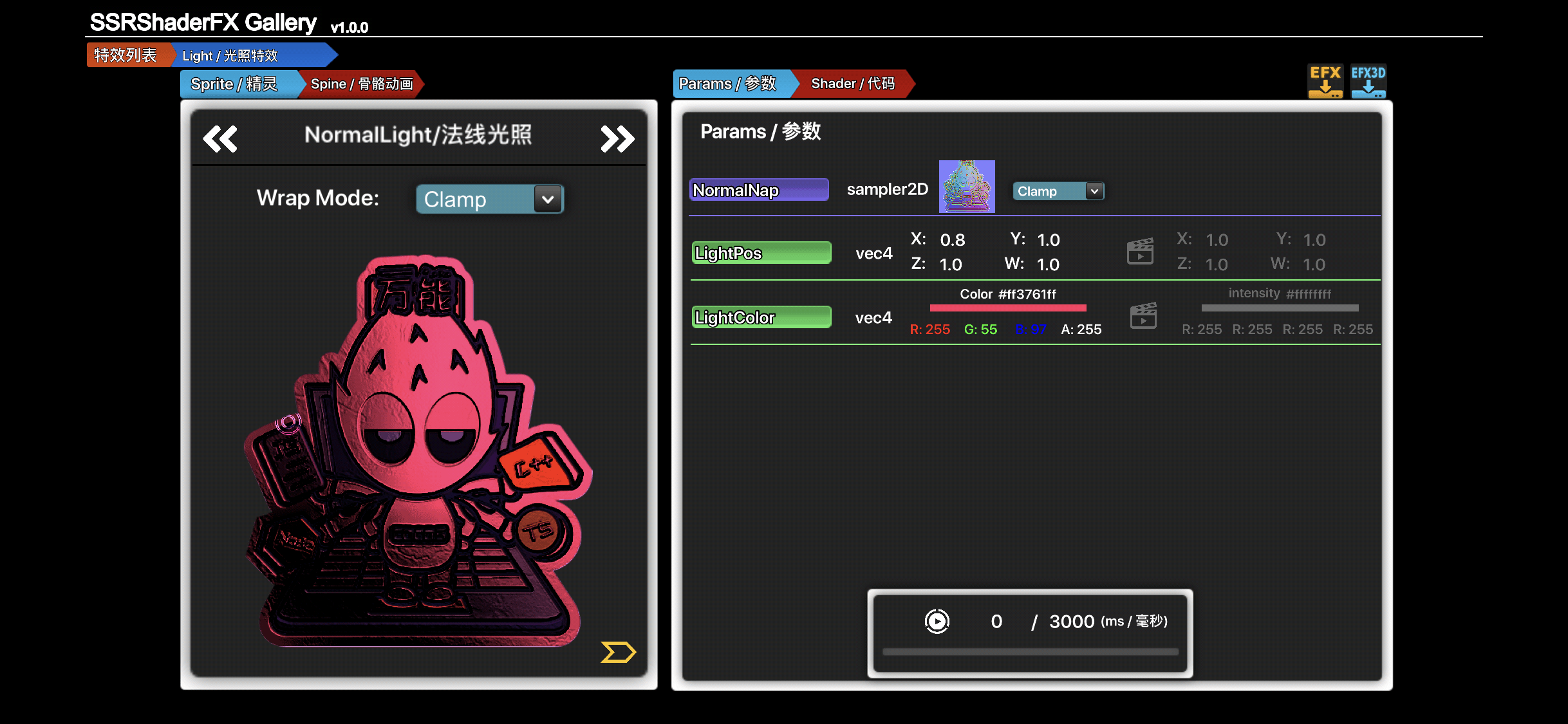
After entering a centain Shader FX Thema the users can find all the Shader FX related listed here with Uniform Input Paras and FX Capture and FX video preiview which will help the users to decide which Shader FX to pick for their game.
All the Shader FX by now can be watched here:
Realtime Preview
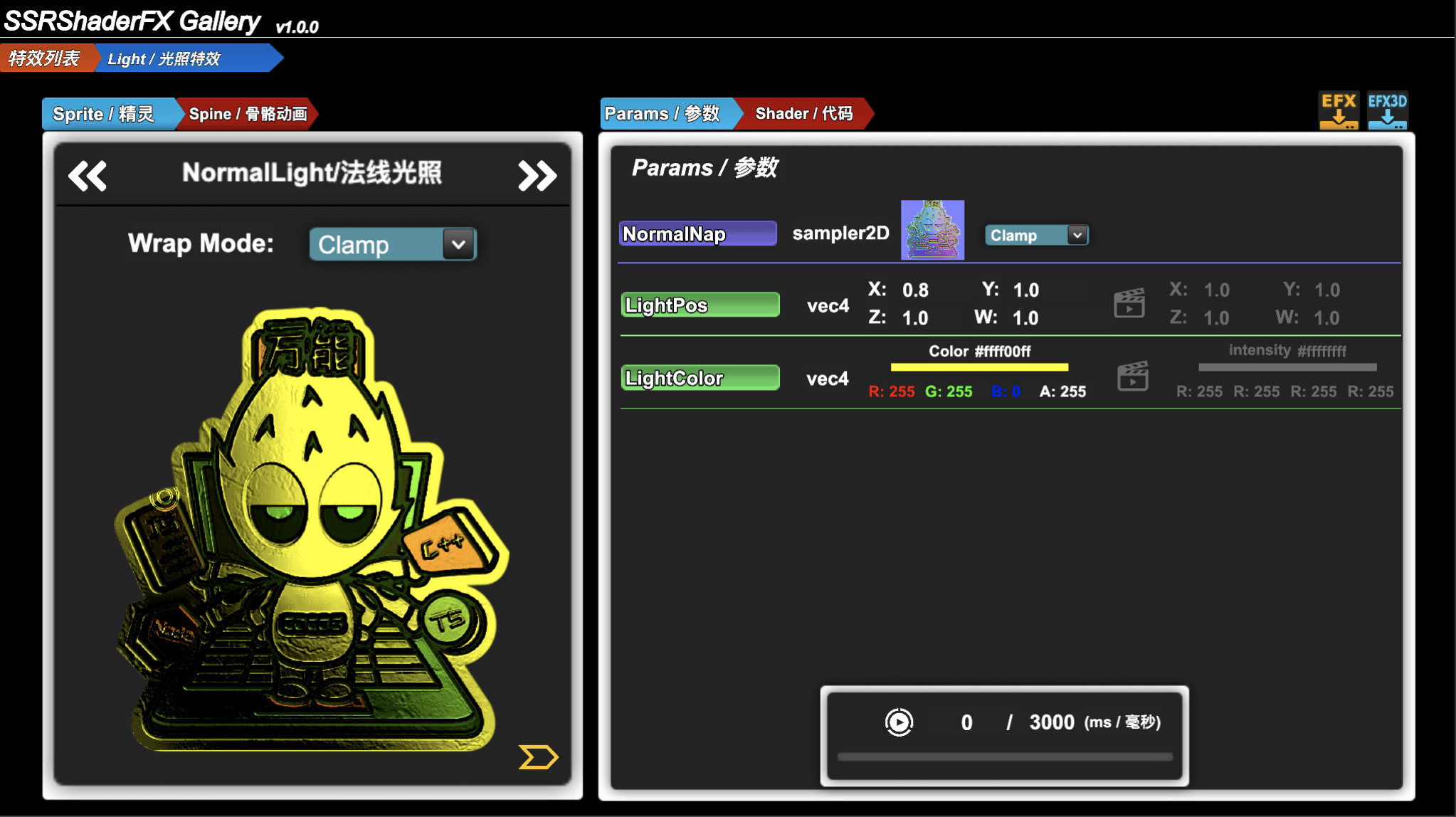
Knowing which Shader FX to pick to use is just the very first step. ShaderGallery also allows the users to preview all the Shader FX at runtime so they can have a more intuitive understanding on the Shader FX they pick.
####FX Tuner
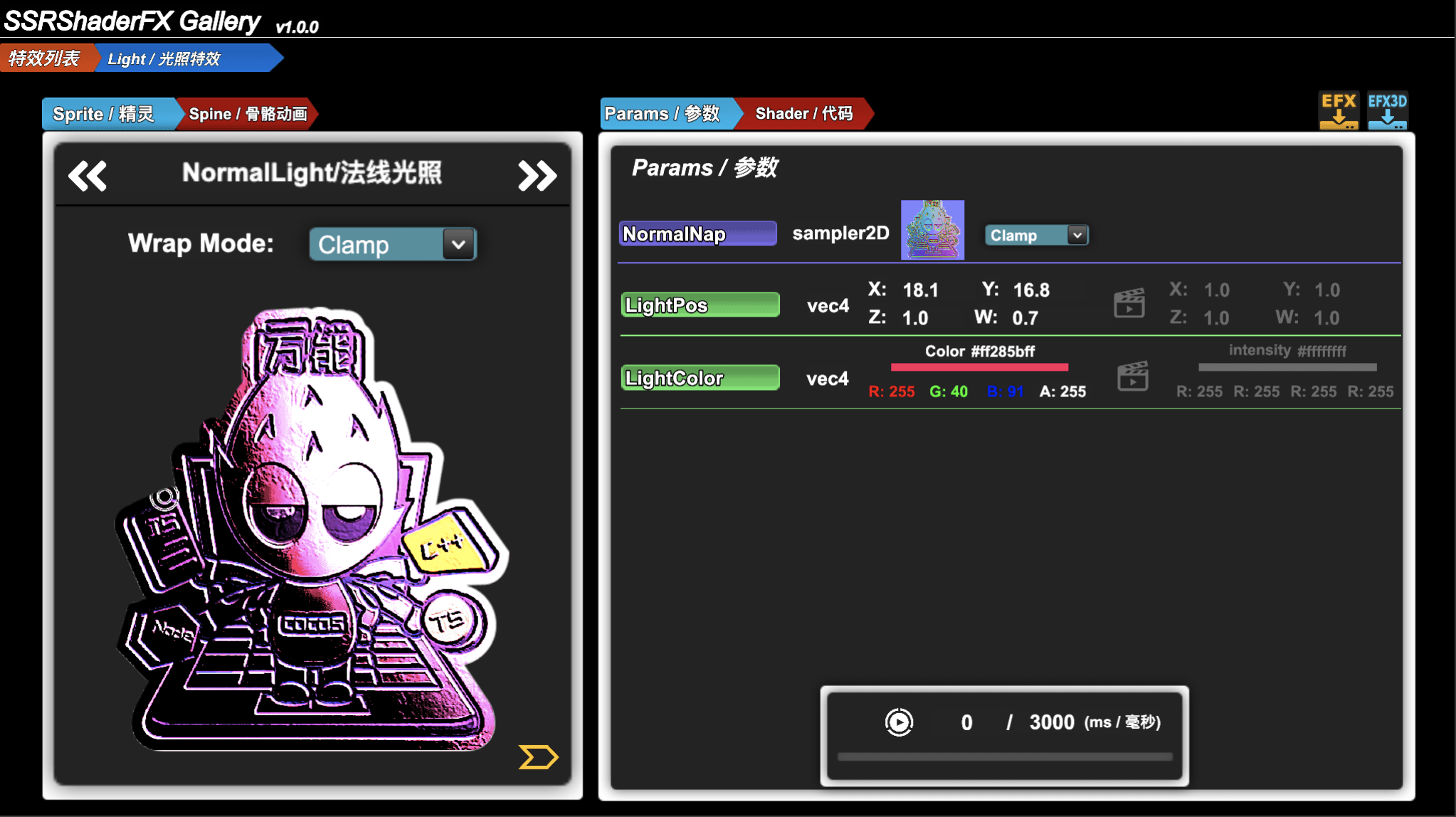
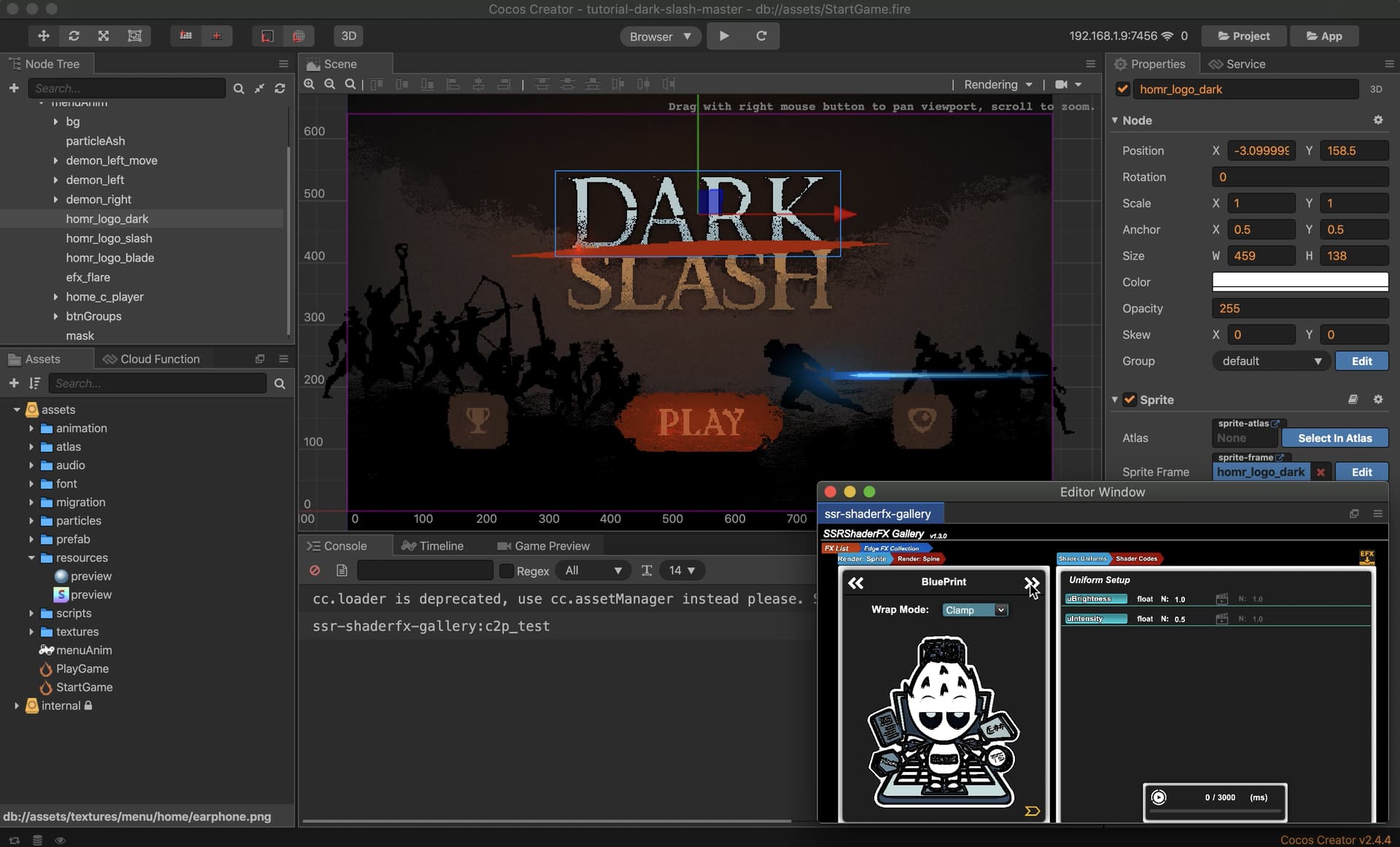
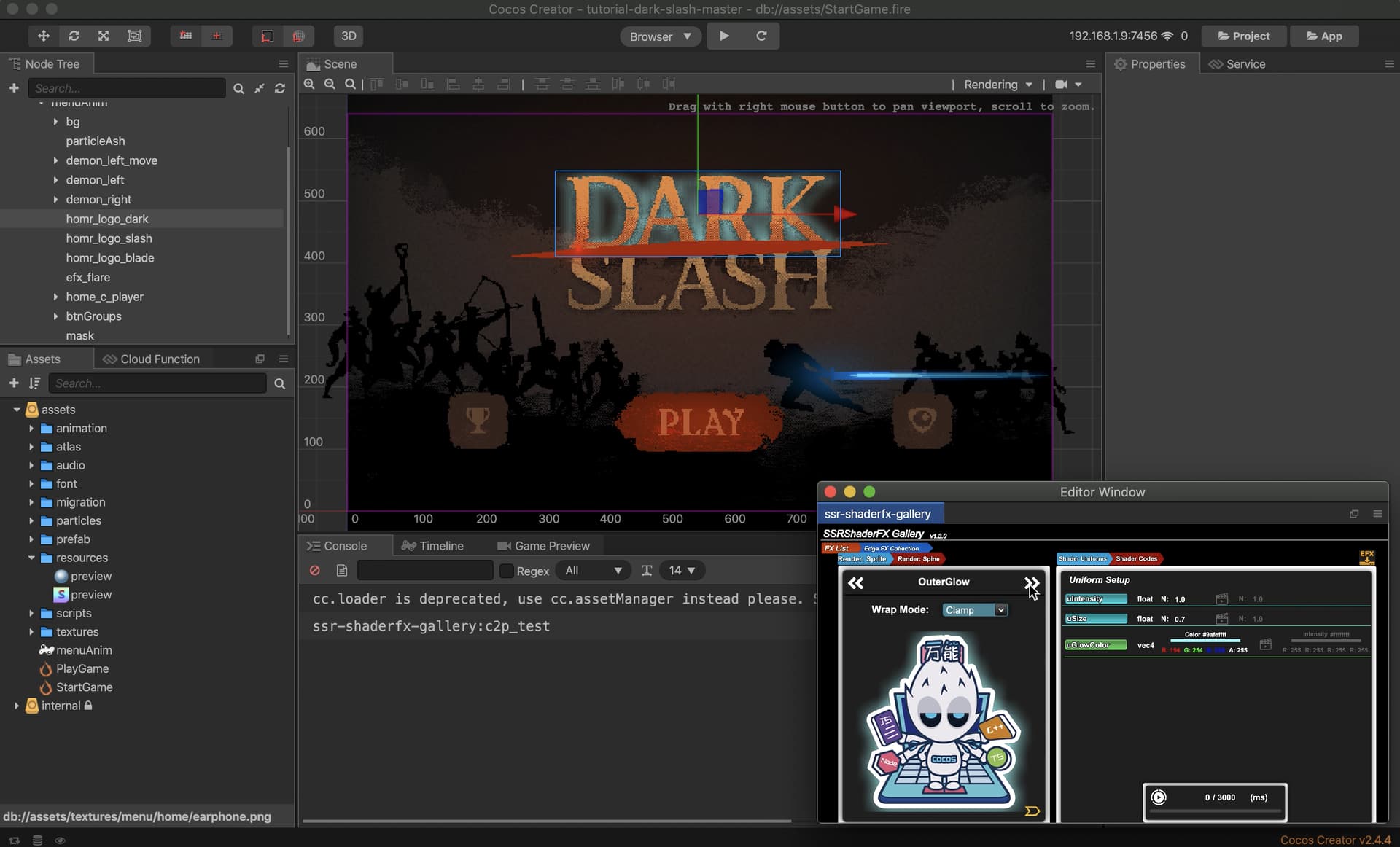
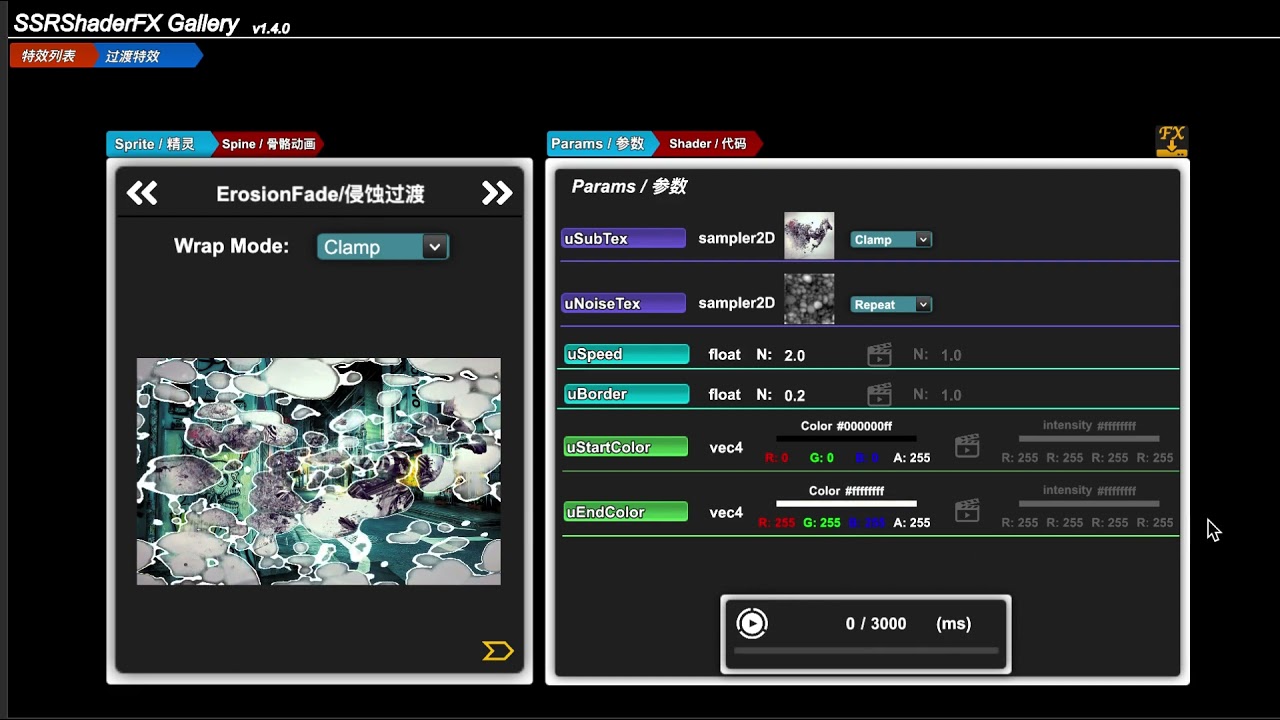
All the Uniforms of the Selected Shader will be listed here and the users can Modify these values and check the output of the Shader FX at realtime.
RenderComponent Support
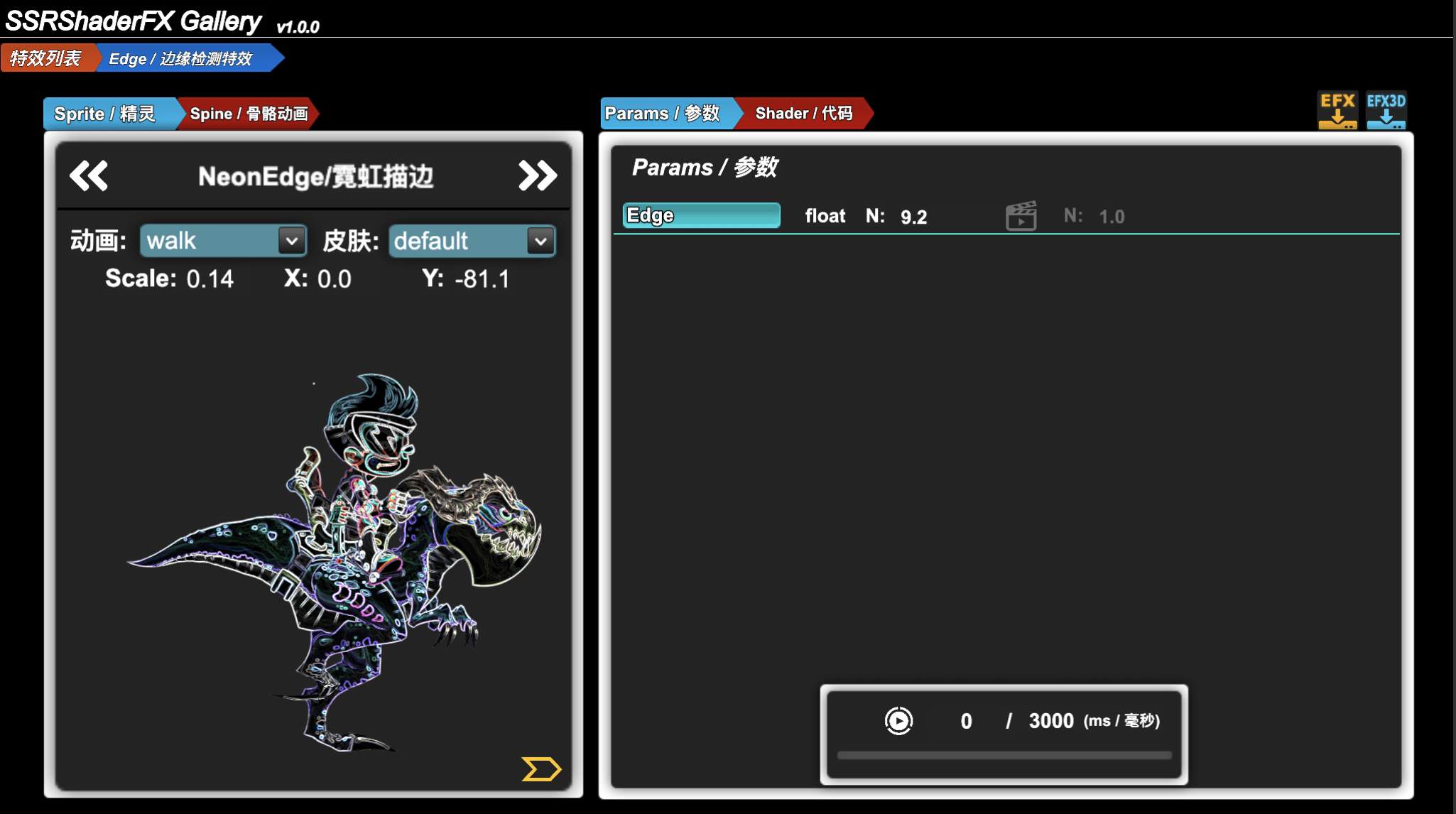
With ShaderGallery the user can not only previe the Shader FX with render target of cc.Sprite but also with Spine Animation.
Some UV-related Shader FX may not have the same output as with cc.Sprite so previewing the Shader FX with Spine Animation here is quite a huge feature.
To make
UV-relatedShader FXcan work withSpine Animationyou might need to take advantage of thecc.RenderTextureinCocos Creatorand you can also check another plugin I made here

DnD Update Support
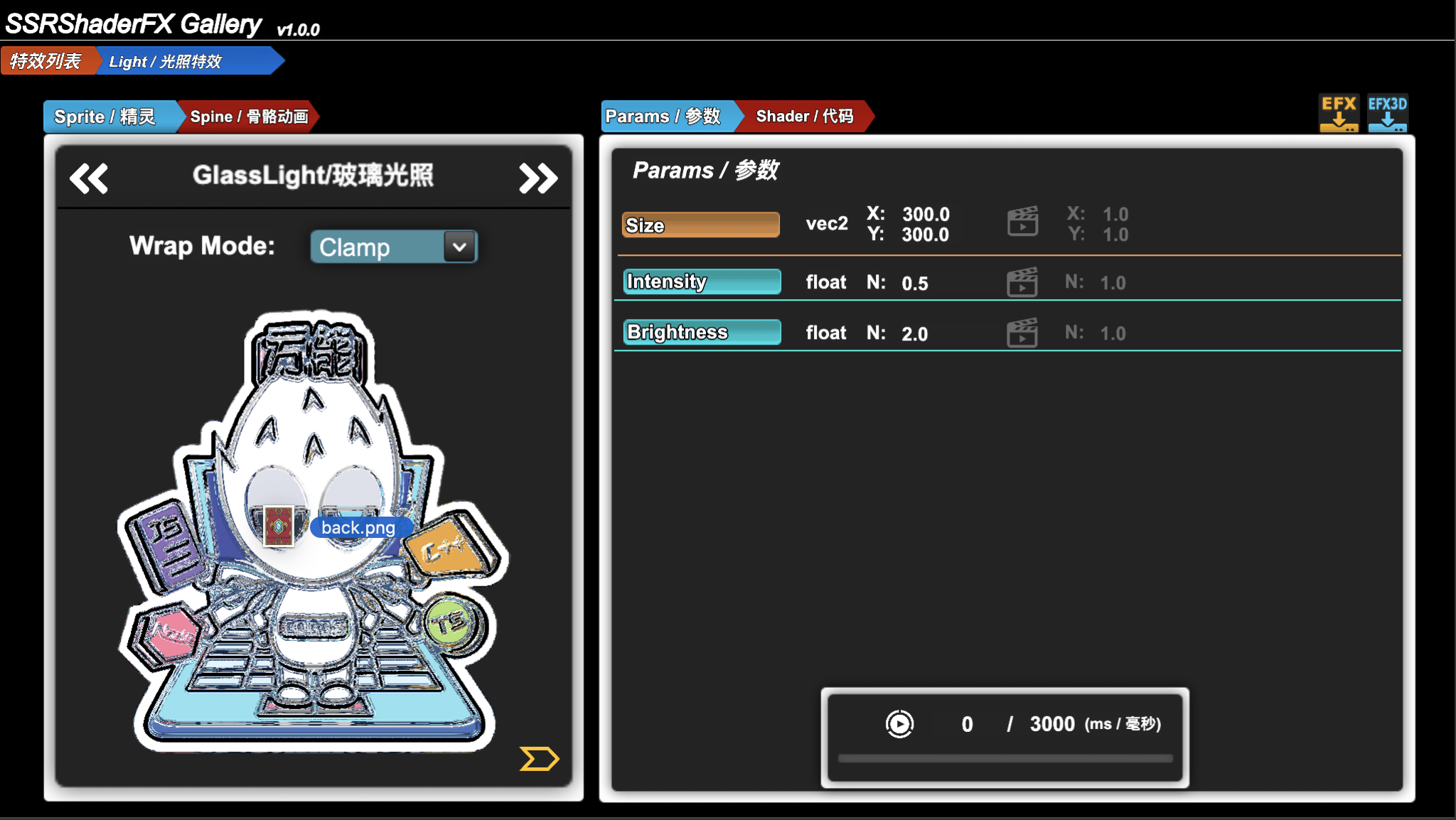

You can simply drag-and-drop the textures you want to preview to the panel to change the Image in preview and of course Spine Animation is also supported for drag-and-drop (you need to provide .json + .png + .atlas at the same time)
What’s more, there are also some built-in cc.Sprite and Spine Animation in ShaderGallery for the users to have a quick Shader FX test.
Tween Animation Preview
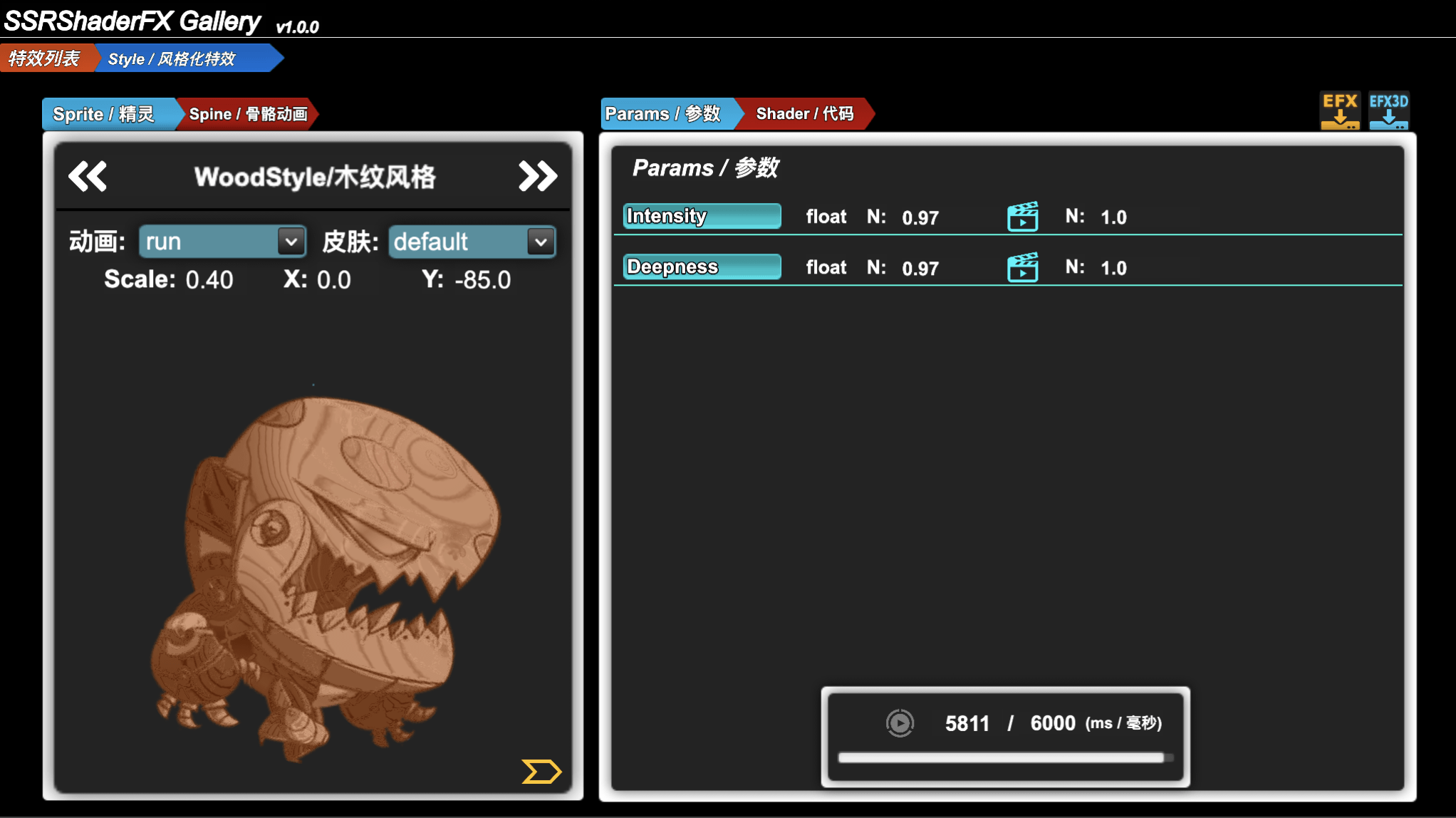
Most of the Shader FX are Static that might be a little bit boring as a matter of fact with the help of the cc.Tween built-in system in Cocos Creator we can make any Static FX into a Dynamic one.
ShaderGallery allows the user make almost any Uniforms into a Animated Value and preview it at realtime as well.
Shader Code Viewer
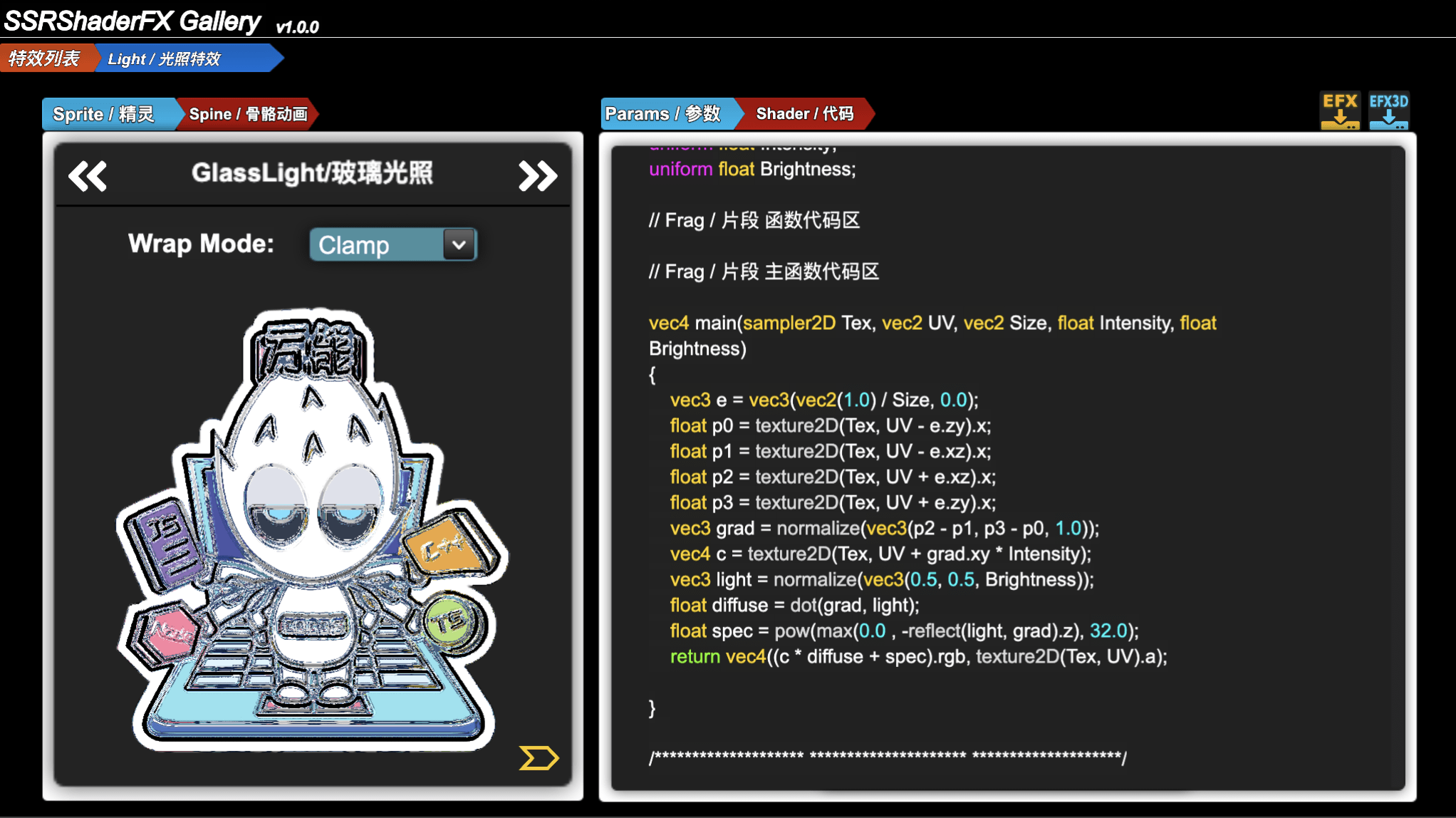
Besides the preview feature the users can also browse the Shader Codes of the current Shader FX they are working on this may help those who want to discover the magic under the hood.
Multi Runtime Mode
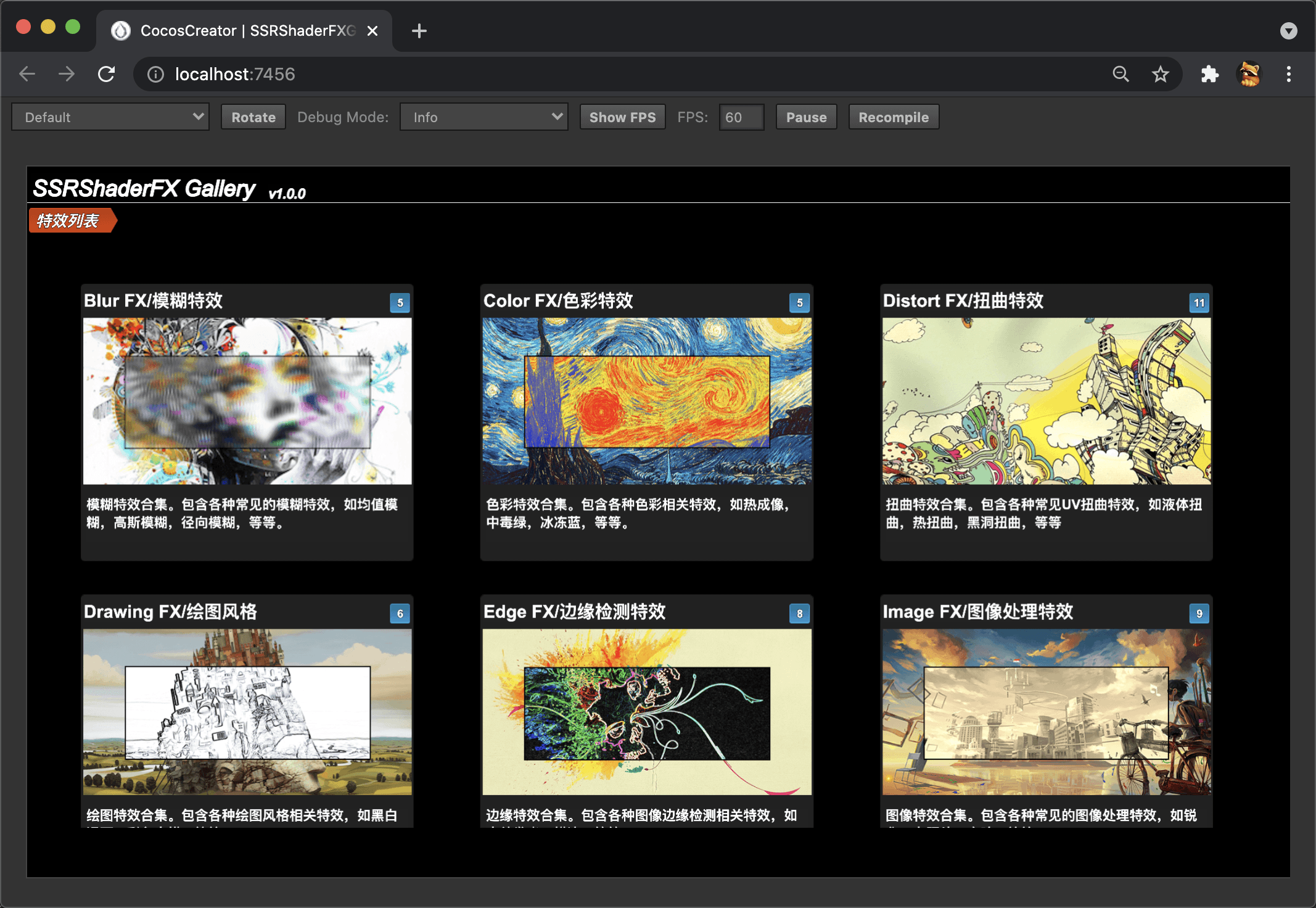
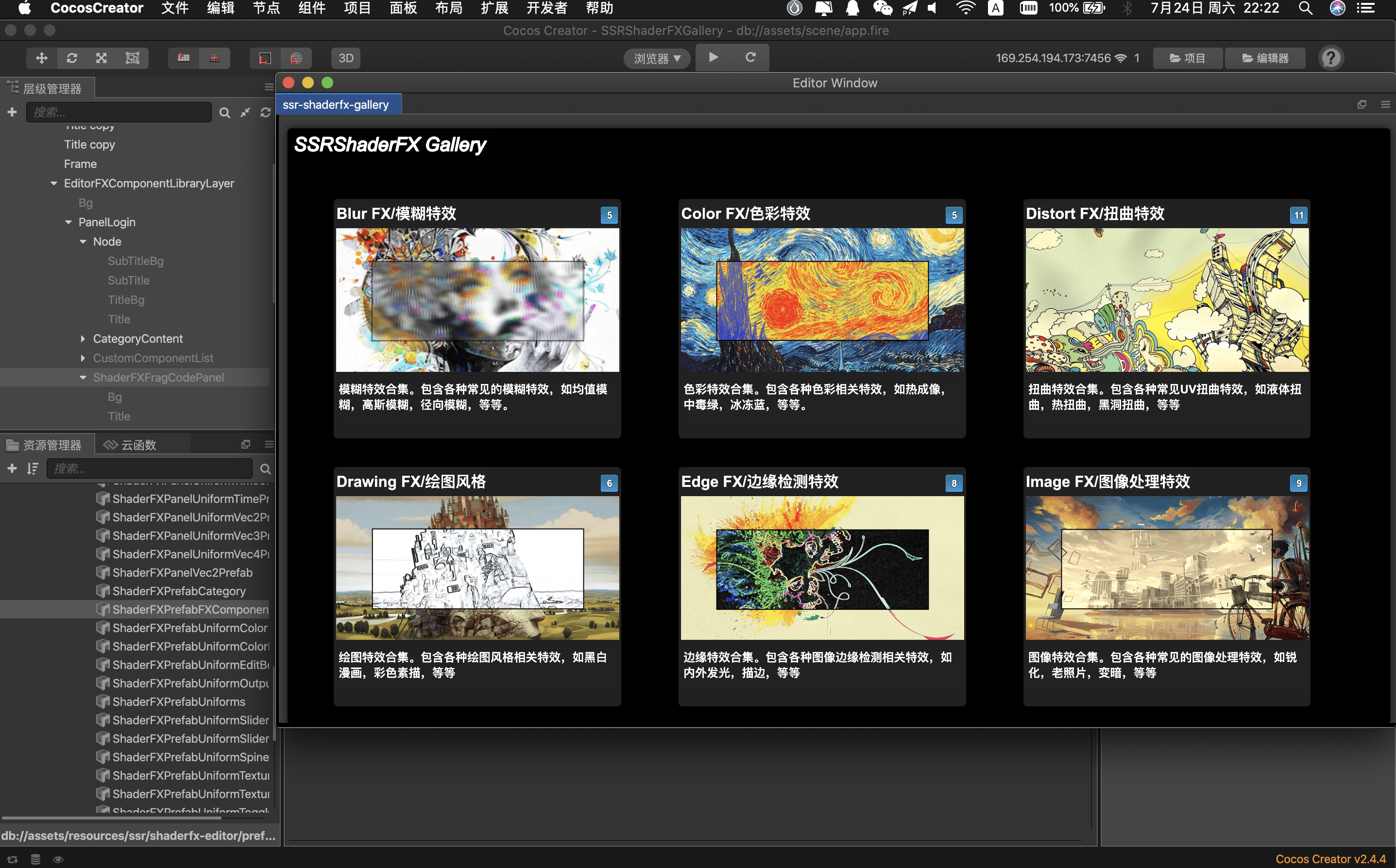
ShaderGallery can be used in the following ways:
Plugin Mode: StandardCreatorplugin mode which means you need to runCocos Creatorfirst and then this plugin from the menu barWeb Mode: Which can be used withoutCocos Creatorin any modern browsersNative Mode: In short, runningShaderGalleryin.apkor.ipaand this will introduced below
FX Exporter
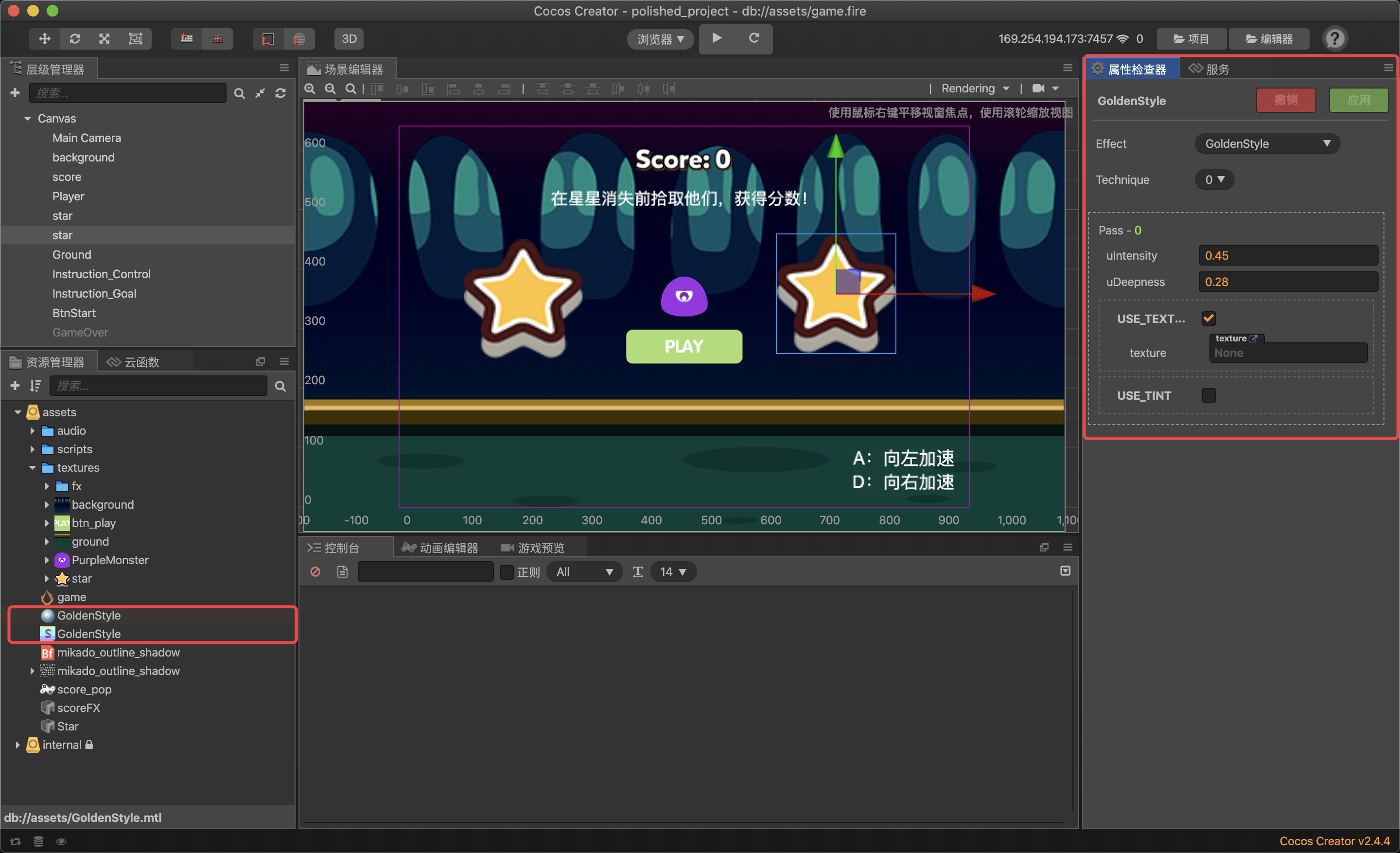
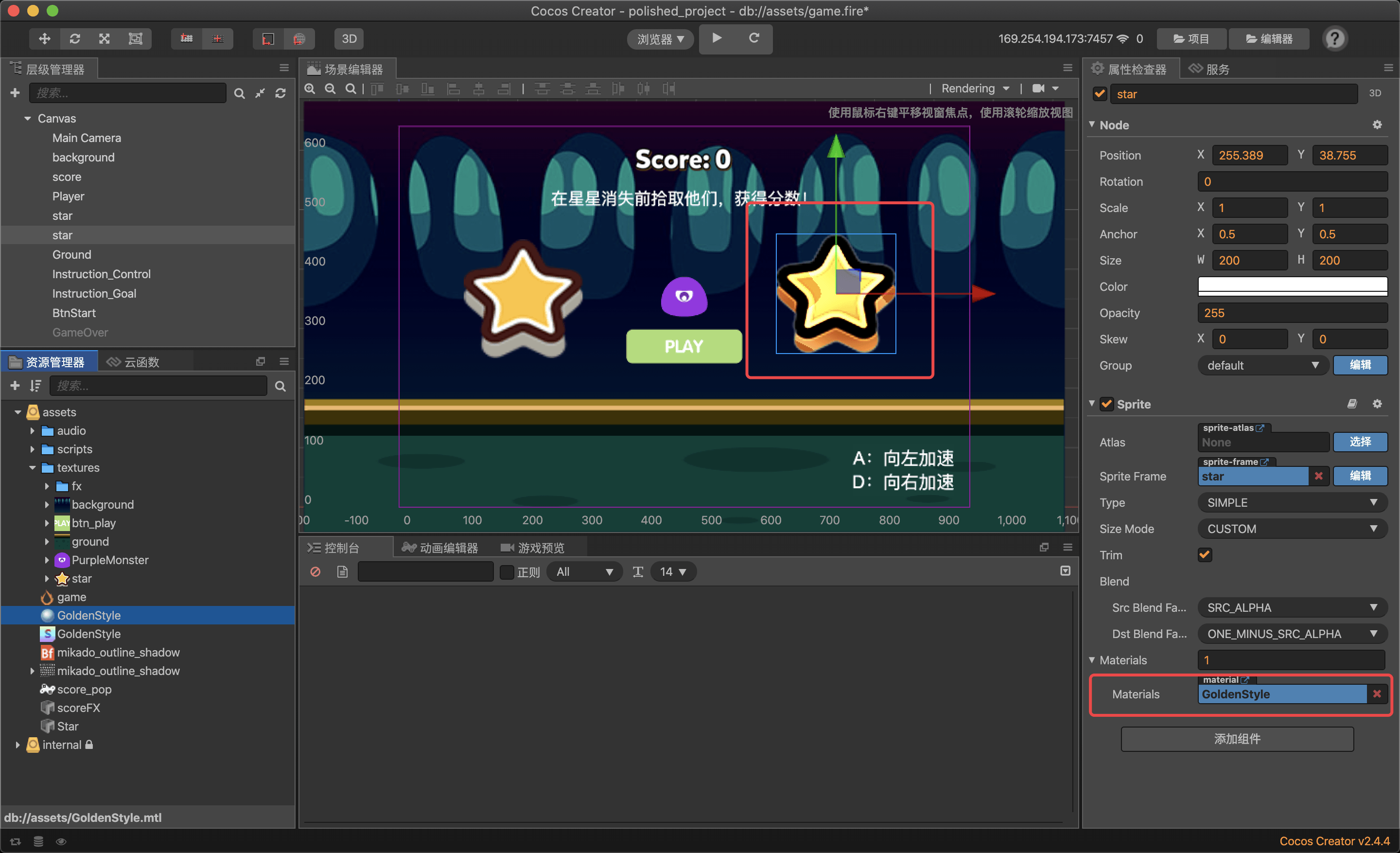
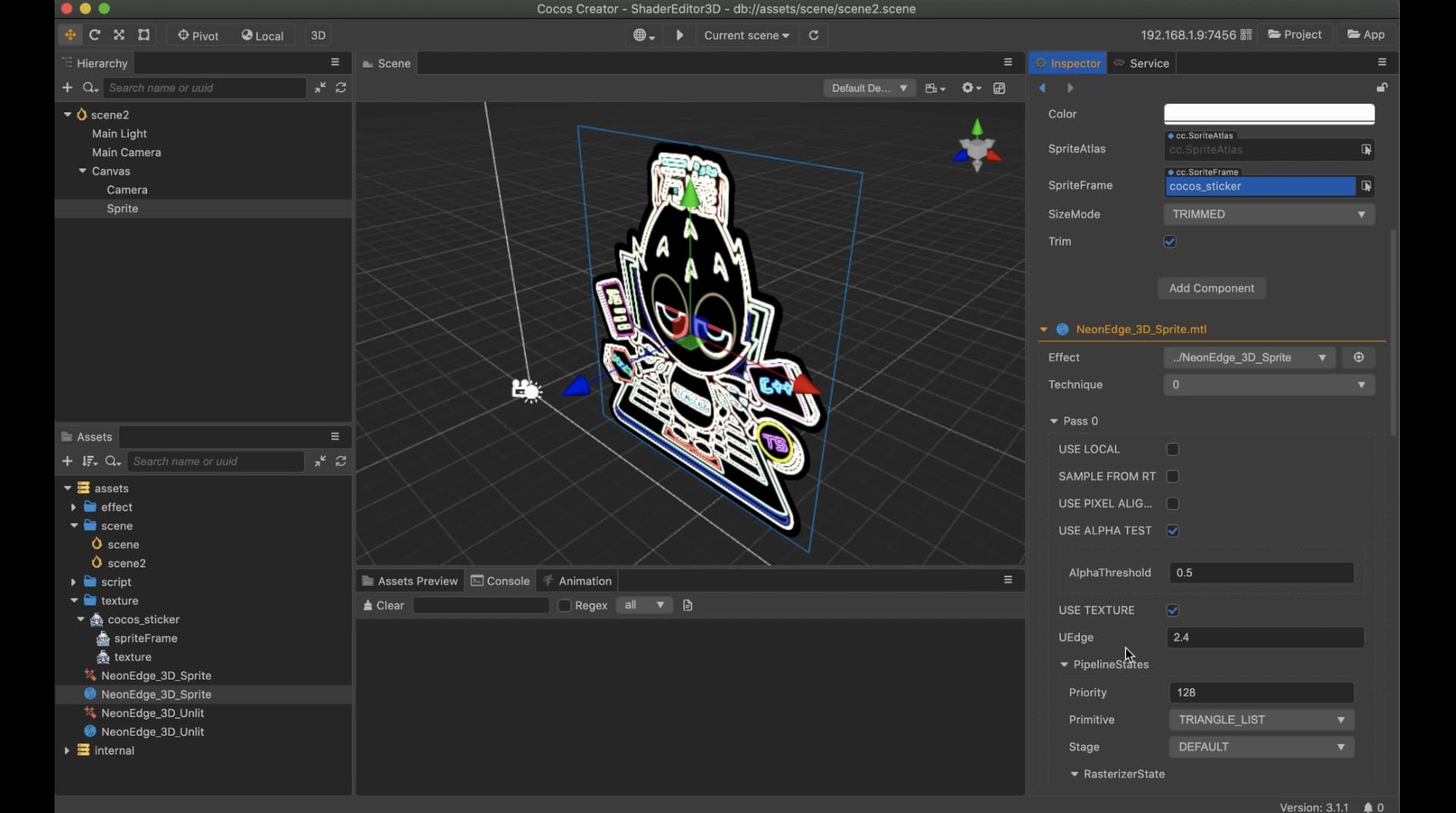
After testing and adjusting the Shader FX the users can export the FX so that they can be used in their game.
2d
Web Mode
Will export .effect + .mtl that can be used in Cocos Creator v2.4.x ( users need to bind the .effect + .mtl mannually )
Plugin Mode
will export .effect + .mtl directly into Cocos Creator assets folder and the .effect + .mtl will be automaticlly bind so the user can use them without any setup process
Native Moed
Export FX is not supported yet
3d
Web Mode / Plugin Mode
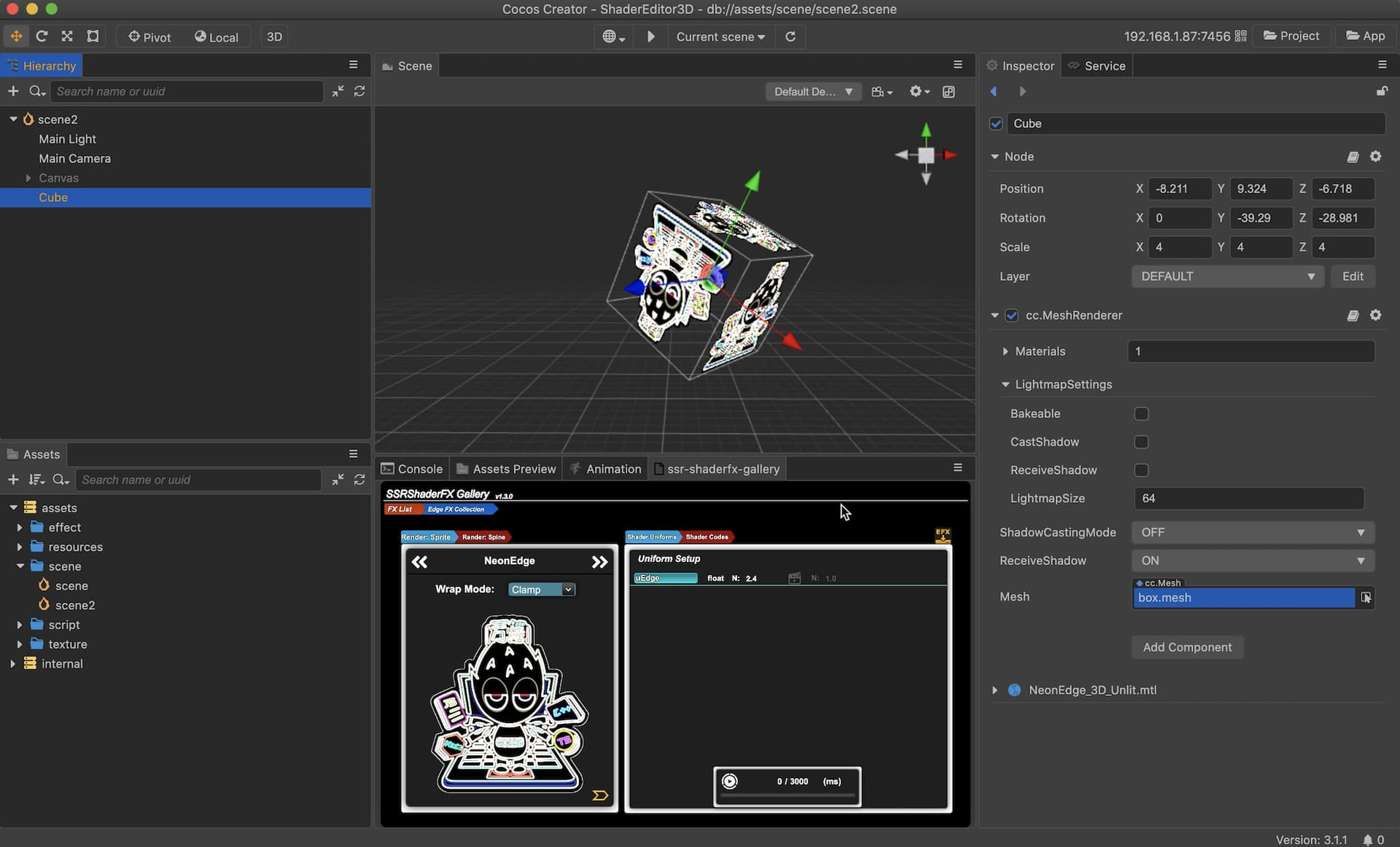
Will export only .effect file which is based on the builtin-unlit.effect which can be used in Cocos Creator v3.x ( users need to create a material file and bind it with the exported effect file manually )
Native Moed
Export FX is not supported yet
Native Preview (Under Development)
Most of the expoted Shader FX will be used in game and quite an amount of them are native game ( Android / iOS ).
Therefore, being able to preview all the Shader FX in Native enviroument will be a very nice feature for this plugin as we all know that some Shader FX might act differenty in web and Native environment.
ShaderGallery plugin will serve a native app ( .apk / .ipa) which can be used in your mobile device and with almost all the features memtioned above ( except the drag-and-drop feature since it relies on the Wev Browser Event ).
This feature is still under development ( 90% is done ) and will be released after it is completely done and well tested.
Purchasing Notice
3D
This plugin supports 3d version which only means :
- User can find this plugin in the
CocosStorev3.xSection - The plugin can be started in
Creator v3.x( plugin mode) after purchasing / downloading - The exported Shader Effect for
3Dis based onbuiltin-unlit.effectwhich means you may need to modify the.effectif you want to apply it to some other 3D model - This plugin is acturally developed with
Cocos Creator v2.4.4so it DOSE NOT SUPPORT preview with any3D models
Plugin Mode
- In plugin mode
ShaderGalleryCAN ONLY run infloat modeanddock modeis not supported and propably will not be supported in the future for technic reason
Account
-
ShaderGalleryneeds to be used with network connection and an account ( for accessing the regularlly updaing Shader FX library ) -
As for the account you can get it in the following ways :
- Send a direct message to (
@supersuraccoon) in the forum with the account name you used when purchasingShaderGalleryand I will create the account for you - Leave a comment right here in the comment section with your purchasing account and a email that I can send you the account information
- Join my Channel on Discord for further discussion
- Send a direct message to (
-
Offline Modemight be added in future releases

Misc
-
The purchase contents DOSE NOT contain the SOURCE CODE of
ShaderGallery -
Native Previewfeature is not released yet -
All the future updates will be 100% FREE
v1.1.0
====== Fix ======
- Fix bool type uniform setup issue
- Fix
Tween Previewissue with vec2 type uniform
====== Feature ======
Added Shader FX:
- Checkerboard
- Clover
- Color4Gradients
- ColorInvert
- DancingFloor
- DoodleDistort
- FastMotionBlur
- FishEyeDistort
- FlowLight
- HeartBeat
- Kaleidoscope
- PixelExplosion
- ShapeCircle
- ShapeRectangle
- SingleColor
- SmoothClipping
- SmoothRegularPolygon
- SmoothSegment
- SpiralCircles
- SpiralDistort
- UnderWaterDistort
- UVAnimation
- UVOffset
- UVPolar
- UVRadialShear
- UVRotate
- UVScale
- UVSpherize
- UVTilingAndOffset
- UVTwirl
- VScaneBeam
- ZigZagCircle
v1.2.0
====== Feature ======
- Multi-language support added
SSRShaderEditor has been developed over the past 4+ years :
SSRShaderFX – a project I have been currently working on (English)
[2021新坑] SSRShaderFX && Creator (Chinese Only)
[SSRShaderFXEditor] Shader 可视化编辑器正式上线 (Chinese Only)
And SSRShaderGallery is also one of the projects that I really want to take it to the perfection.
Hope you all will like it and support it (there are still lots of cool features to come) .
Please feel free to contact me if you have any questions or suggestion.
(ご不明な点あるい質問がございましたら、お気軽に連絡してください。日本語の対応も多少できまので)
The next release will be even better ~~~