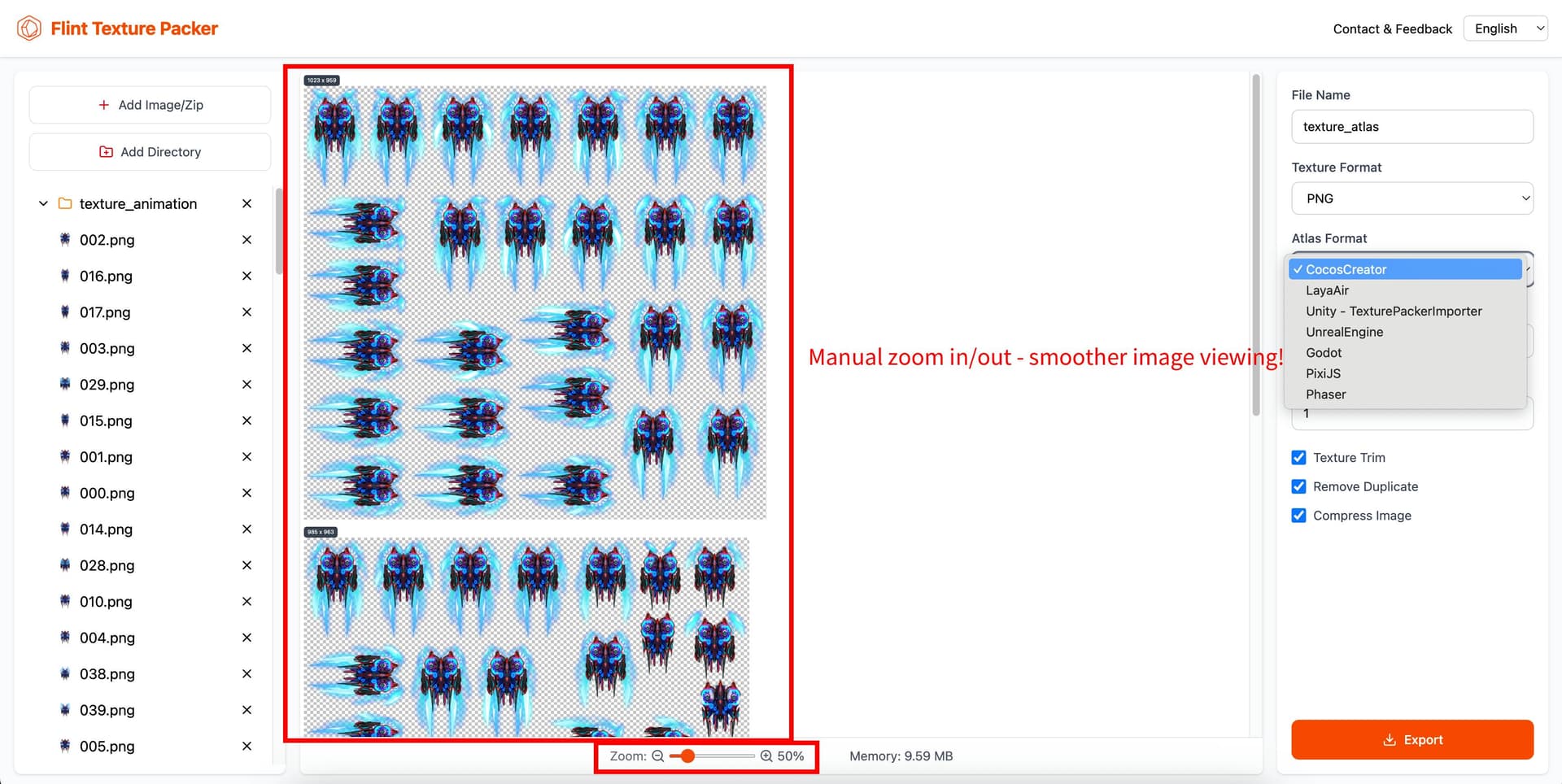
Hey fellow devs! Let’s be real—spritesheet packing is a game dev staple, but TexturePacker’s price tag and clunky interface always make me sigh. So our team built something better: Flint Texture Packer—a FREE tool that’s more feature-packed AND smoother to use.
One-click language switch (English/Chinese) for global teams
We’re actively iterating on this—this post is our permanent update thread for new features/bug fixes.
Drop your thoughts below! Did it work for your engine? Any features you’re dying to see? Also, join our user chat to hang, report bugs, or just geek out about game dev—we’re all ears!
We’re excited to roll out the latest update! This version packs powerful new features and smooths out your experience. Here’s what’s new:
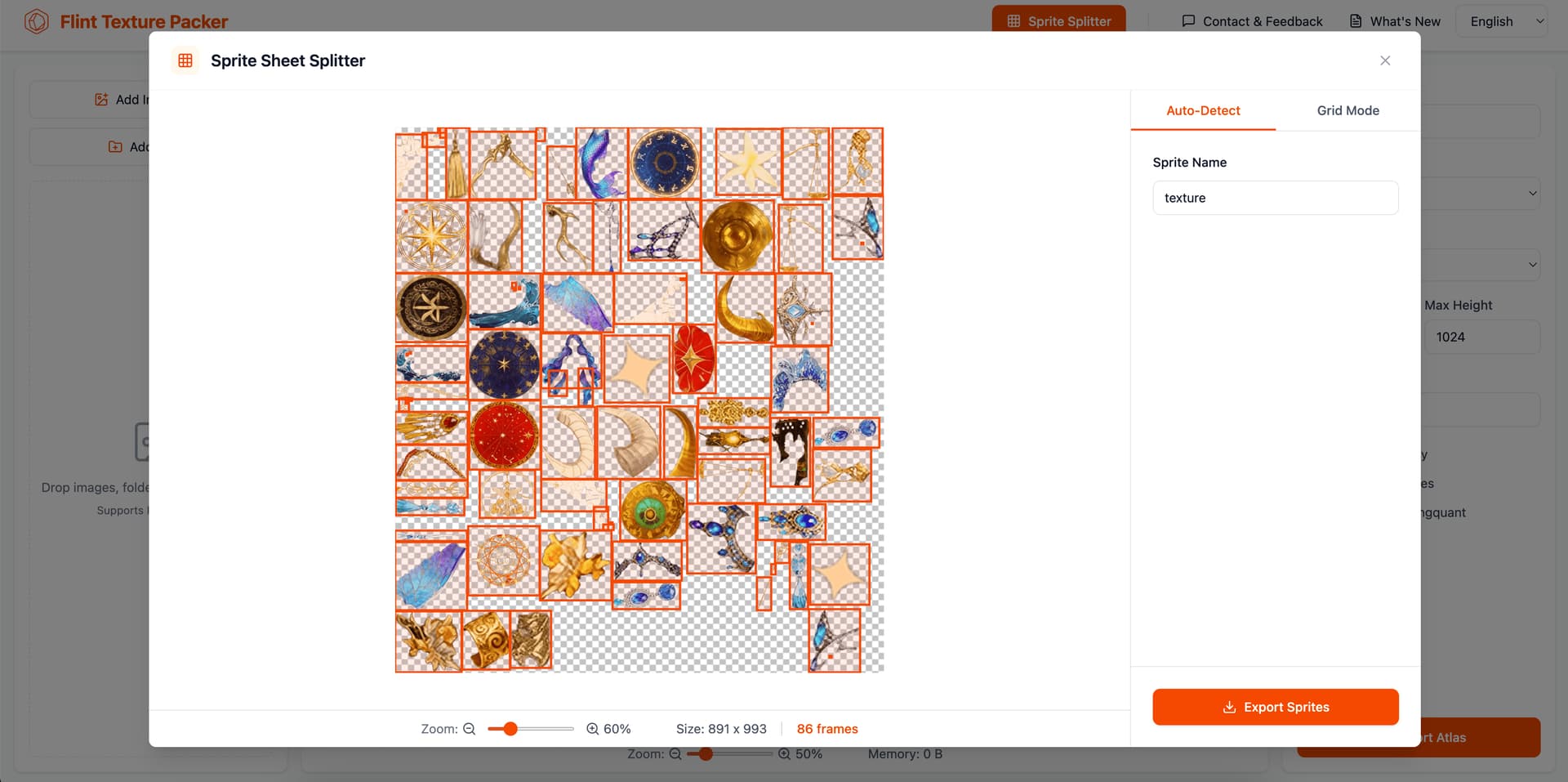
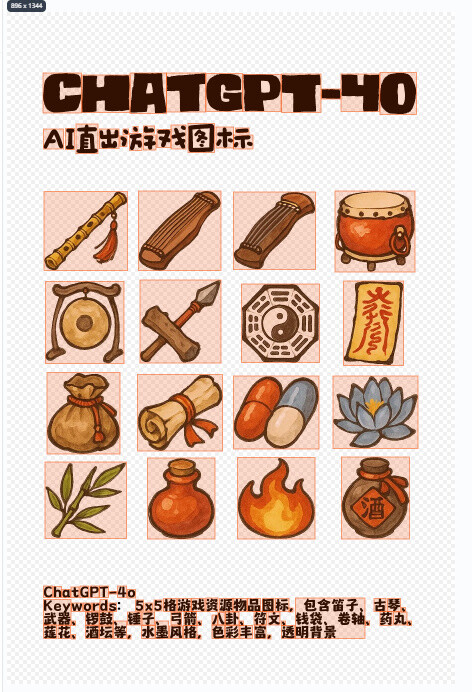
**Introducing Atlas Segmentation:** A brand-new feature that allows you to split texture atlases effortlessly. It supports both automatic texture recognition and manual mesh splitting for ultimate control.
**New Update Log:** Now you can easily track all the exciting changes in each version right within the tool.
**Enhanced UX & Fixed Bugs:** We’ve polished the interface and squashed some pesky bugs to make everything run more smoothly.
**Fresh Group QR Code:** Sync up with the latest community happenings by scanning the updated group QR code!
**Join the community!** Scan the code to get help, share ideas, and stay updated.
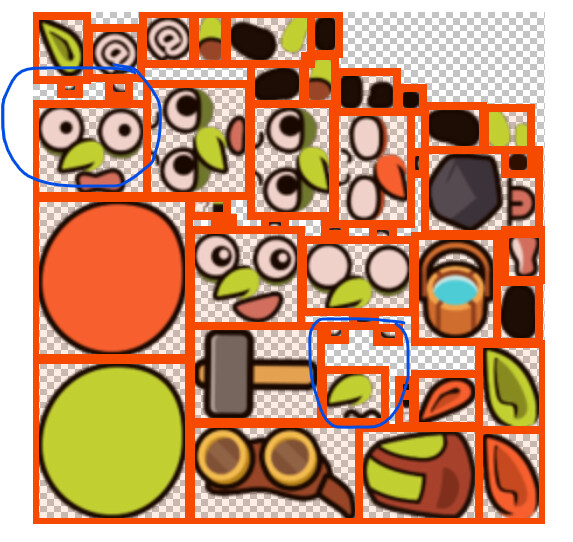
I’m very interested in your Splitter feature. Through testing, I found that Auto-detect still has difficulty identifying actual frames. I recommend that you add a feature that allows you to manually merge frames together. In addition, I think there should also be a feature to adjust the line width of draw frames.
Okay, we will add the manual frame merging feature in future updates and optimize the line width. If you find it useful, feel free to share it with other developers. Any feedback or suggestions are welcome—please join our WeChat group for discussions.
New desktop client available for multiple platforms, with documentation included New CLI tool bundled with the client, enabling texture atlas packing from the command line Atlas Packing: Added support for format3 plist export Atlas Splitting: Fixed rotation correction for config-based splitting Fixed multiple bugs including Godot margin, Trim not preserving original size, and packing loading timing issues
We’ve now optimized the splitting lines and auto-detection algorithm. Textures that are placed very close together will be merged automatically. Feel free to test it out again!
Redesigned Web UI 2.0: We’ve completely overhauled the desktop layout. It now features a 3-column design with brand-new navigation for a much smoother and intuitive workflow.
New Account System & WeChat Login: We’ve rolled out our new user account system, complete with a quick WeChat QR code login.
Background Removal for Sprite Splitting: We noticed a lot of you are working with AI-generated assets that come with solid backgrounds. Instead of jumping into Photoshop or other software to manually mask them out, our new algorithm automatically detects and removes the background color in a flash.
Overall UI/UX Improvements: Tweaked visual styles and polished interaction details across the board.
Desktop App v0.5.0 Released: We’ve improved the auto-update mechanism and squashed several known bugs.
 Let’s be real—spritesheet packing is a game dev staple, but TexturePacker’s price tag and clunky interface always make me sigh. So our team built something better: Flint Texture Packer—a FREE tool that’s more feature-packed AND smoother to use.
 https://texturepacker.flintbyte.com/
 Product Features that hit different:







 New desktop client available for multiple platforms, with documentation included
 Redesigned Web UI 2.0: We’ve completely overhauled the desktop layout. It now features a 3-column design with brand-new navigation for a much smoother and intuitive workflow.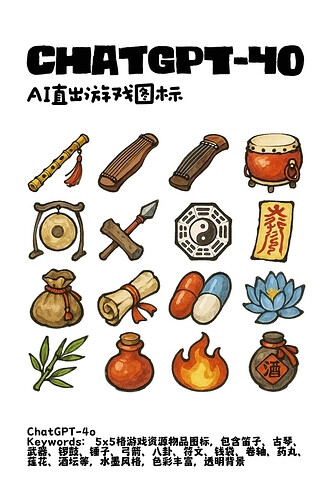
 Download Desktop App & CLI:
  Documentation: