I’m running into a critical issue with Socket.IO in Cocos Creator 3.8.6 while developing our game.
Cocos Creator always seems to use Engine.IO protocol version 3 (EIO=3) when establishing a connection — or at least that’s what it appears to be doing.
However, our backend server only supports EIO=4 due to other dependencies, and we cannot modify the server settings (setting allowEIO3: true is not an option).
While developing the game, how can we force Cocos Creator to use socket.io-client v4.x.x (EIO=4) to ensure a successful connection?
Any help or suggestions would be greatly appreciated!
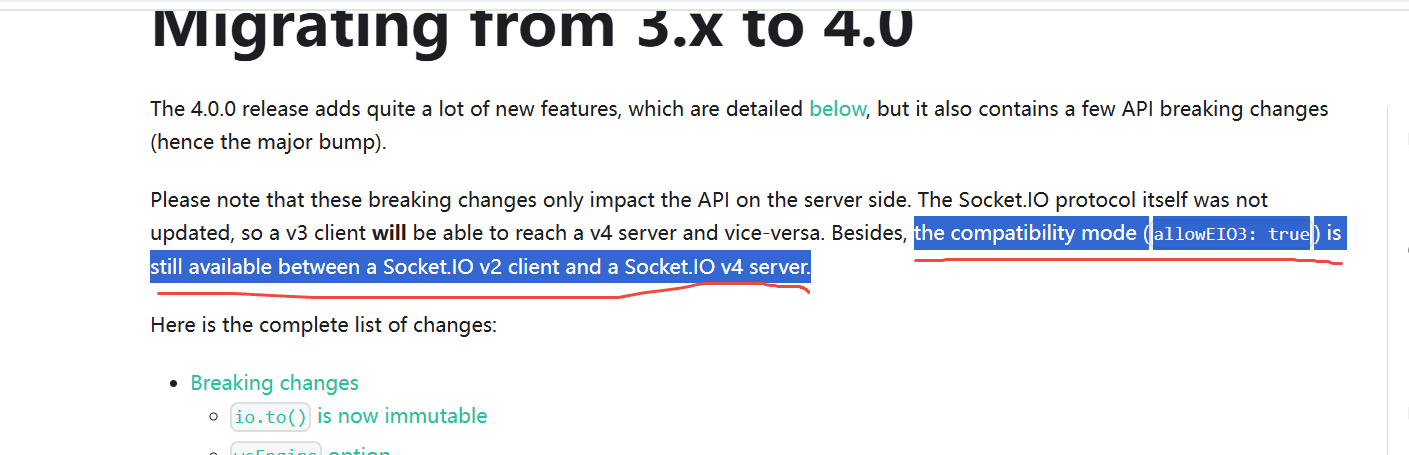
从3.x迁移到4.0 | Socket.IO The Socket.IO protocol itself was not updated, so a v3 client will be able to reach a v4 server and vice-versa. Besides, the compatibility mode (allowEIO3: true) is still available between a Socket.IO v2 client and a Socket.IO v4 server.
First of all, thank you for replying. I hope this time as well, I will get a reply.
I’m getting this error while trying to connect to the server using sockets: EIO=4.
index.js:83 WebSocket connection to ‘ws://localhost:4011/socket.io/?EIO=3&transport=websocket’ failed:
index.js:83 WebSocket connection to ‘ws://localhost:4011/socket.io/?EIO=3&transport=websocket’ failed:
index.js:83 WebSocket connection to ‘ws://localhost:4011/socket.io/?EIO=3&transport=websocket’ failed:
index.js:83 WebSocket connection to ‘ws://localhost:4011/socket.io/?EIO=3&transport=websocket’ failed:
This is the localhost log server, and it is also receiving the same logs, even with the production URL
But Cocos only supports EIO=3. @Tom_k
Please see the link for more: 从3.x迁移到4.0 | Socket.IO. As I know, You must change the setting for you server that will make the server compatible with v3.
Can you explain what changes I need to make on production server? Is it just adding allowEIO3: true? After that, will everything work correctly? @Tom_k