Hey I work in Cocos Creator 2.0.x
and i have function in another js file:
Ex:
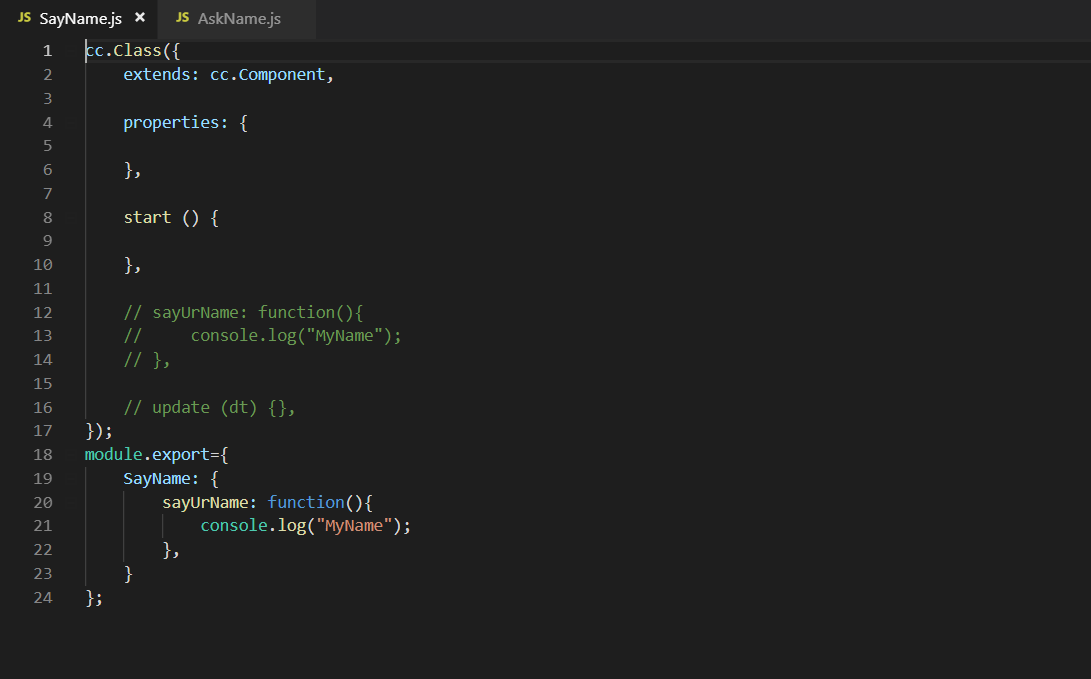
SayName.js :
…
sayUrName: function(){
console.log(“MyName”);
},
…
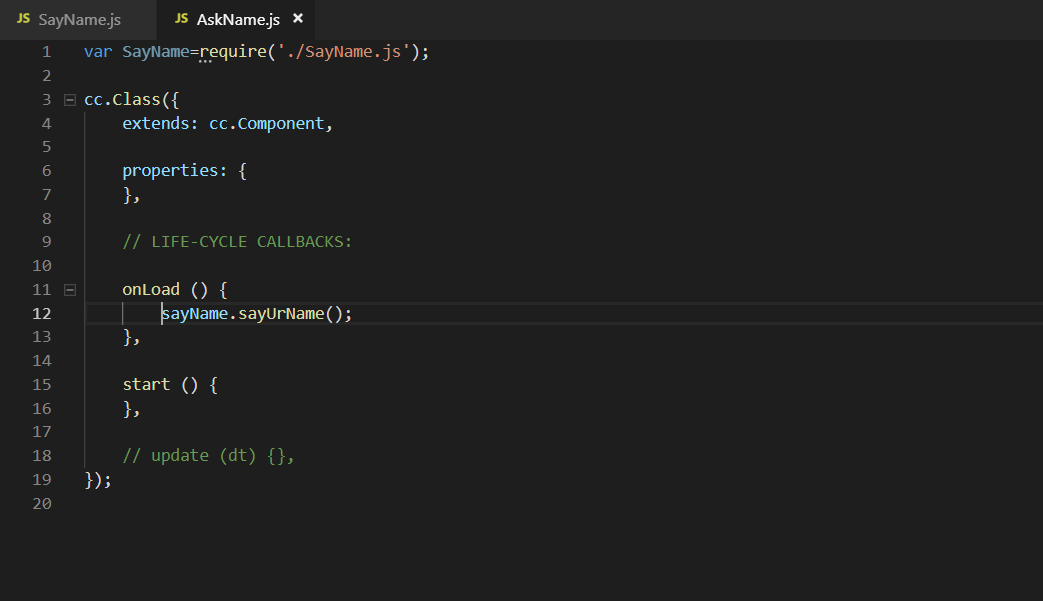
AskName.js :
…
How to call sayUrName() in AskName.js?
Hey I work in Cocos Creator 2.0.x
and i have function in another js file:
Ex:
SayName.js :
…
sayUrName: function(){
console.log(“MyName”);
},
…
AskName.js :
…
How to call sayUrName() in AskName.js?
If you are using javascript, try to use:
var askName = require('./AskName.js');
askName.sayUrName();
In order to make this to work you need to export AskName as a module:
module.exports = {
    AskName: {
          sayUrName: function() {
                   console.log(“MyName”);
           }
    }
}
In typescript however it is much easy to understand what is going on here:
AskName.ts:
export class AskName {
    public static sayUrName(): void {
        console.log("MyName");
    }
}
Main.ts:
import { AskName } from "./AskName";

export class Main {
    onCreate() {
        AskName.sayUrName();
    }
}
sayName.sayUrName()
—> i fixed it to SayName.sayUrName()
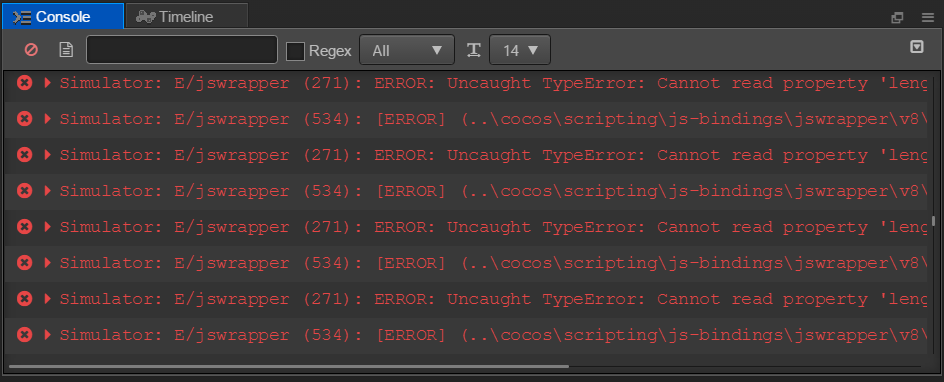
but it still error
try this
exports.AskName = {
    sayYourName: function() {
        // insert your code
    }
}It didnt work 
I just find a solution:
In first.js file:
module.exports={
func(){
}
}
In second.js file:
var first=require(‘First’);
first.func();
Tks u, 2 bro
But I have another problem
If I write a func in cc.Class
how to i call in another cc.Class?
I write on javascript
I guess your cc.Class Script is attached to a node as a component, right?
So lets say, you have a script called component.js and a node.
If you select the node, you can add your script to your node via add Component => Custom Component => component.js.
Then all you need in the other script (lets call it othercomponent.js) is a reference to your node.
Then you can do node.getComponent(“component”).functionName() to call the function of component.js
Hope it helps, even after a month