My Mac use:
macOS Big Sur - version 11.0.1
Xcode 12.2
Cocos2d-x 4.0
I compile according to the command:
build_ios && cd build_ios
cmake … -GXcode -DCMAKE_SYSTEM_NAME=iOS -DCMAKE_OSX_SYSROOT=iphoneos
open install_test.xcodeproj
When I simulator - Xcode error message
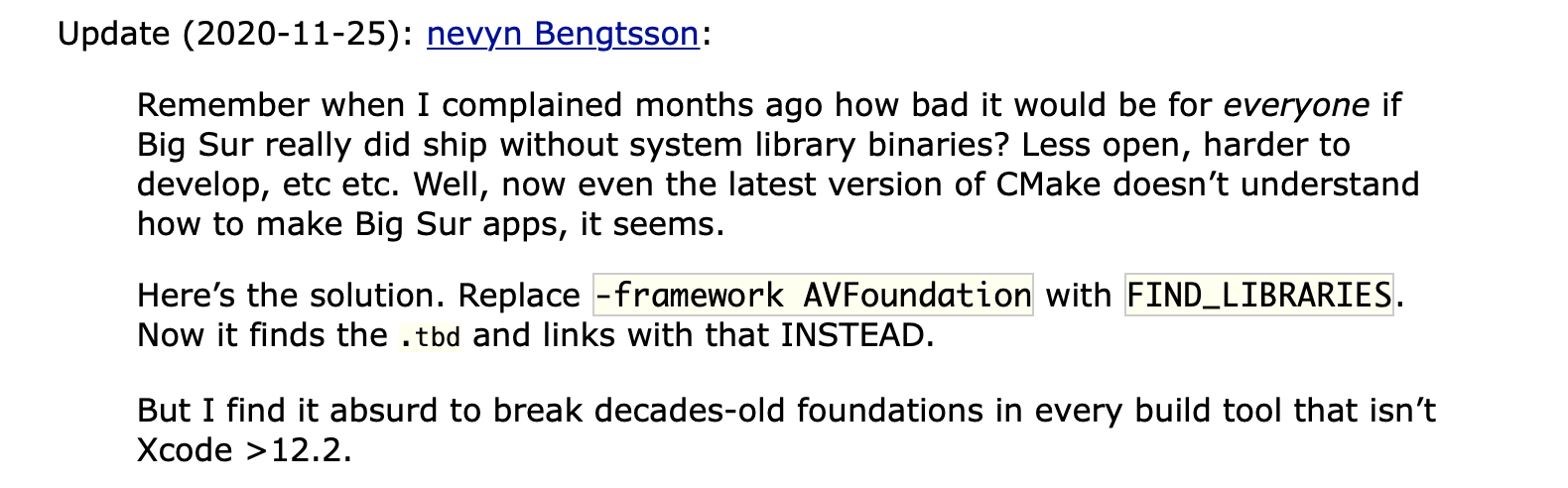
I have research on the internet, I to replace flies *.dylib with flies *.tbd
But Xcode error message:
@slackmoehrle Xcode 12.2 works perfectly fine with Cocos2d-x v4, so I think the issue is related to the Xcode project settings.
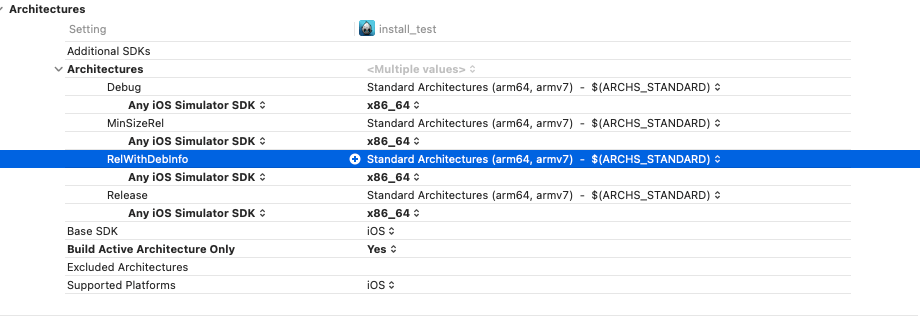
@JameBook79 The error message is telling you exactly what the problem is. You’re building for iOS simulator, which most likely defaulted to arm64 architecture, yet you’re trying to link with the x86_64 architecture libraries.
To fix the problem, you need to ensure simulator builds are compiled for x86_64 architecture.
Yep I see them now, and they confirm the source of the problem.
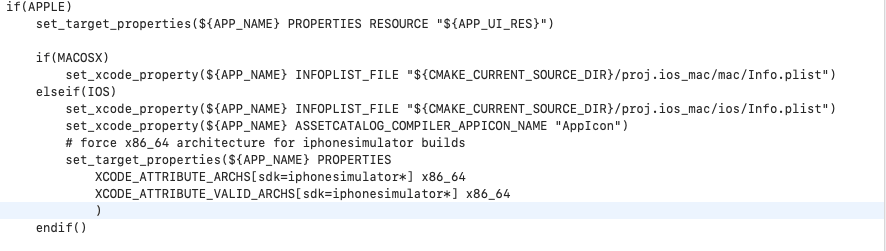
@JameBook79 Add this to the Apple/iOS section in your project CMakeLists.txt:
        # force x86_64 architecture for iphonesimulator builds
        set_target_properties(${APP_NAME} PROPERTIES
            XCODE_ATTRIBUTE_ARCHS[sdk=iphonesimulator*] x86_64
            XCODE_ATTRIBUTE_VALID_ARCHS[sdk=iphonesimulator*] x86_64
            )
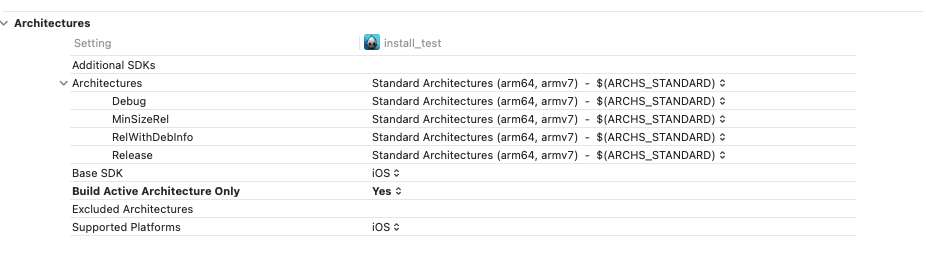
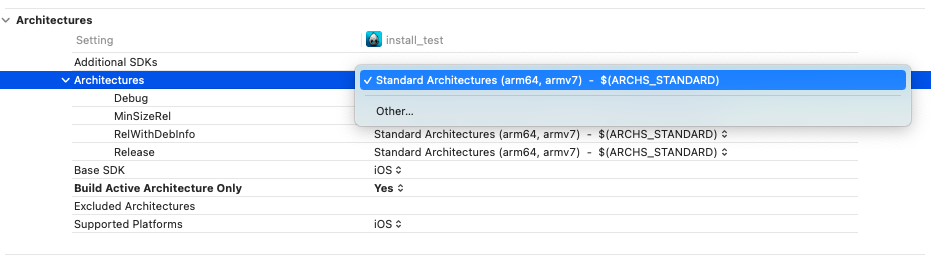
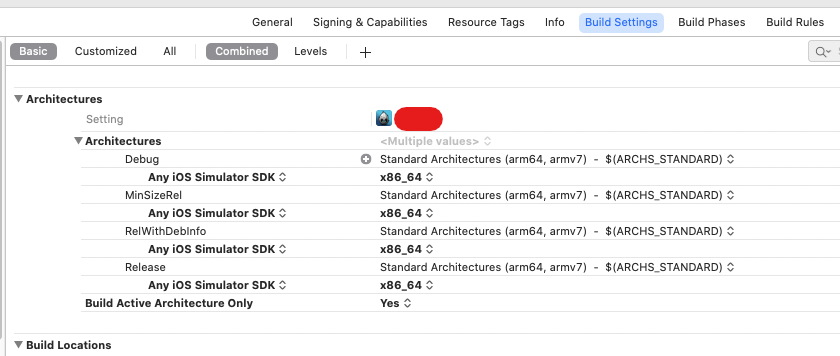
After you re-run cmake, open the project in Xcode, and click the Project Navigator, then on the right click on the executable target, the one with the Cocos icon (whatever your project is called, like in your case “install_test”). Once you do that, it should look like this:
That definitely should not be happening. Any time you change a setting in CMake, make sure you close the Xcode project before re-running CMake, and always do a full clean when you re-open the project in Xcode.
For now, close Xcode, delete the contents of the build_ios folder, and recreate it with the cmake command you used above, cmake .. -GXcode -DCMAKE_SYSTEM_NAME=iOS -DCMAKE_OSX_SYSROOT=iphoneos.
What Mac are you using, one with an Intel x86 CPU or an Apple M1 ARM based CPU?
I have followed all the steps as you instructed, but still got the same error
I use macbook air 2017 - Intel x86 CPU
Did you run compile on xcode 12.2 yet. Previously I compiled on xcode 12.1 is fine
Please, Help me.
Yes, as I mentioned in an earlier post in this thread, the simulator builds work fine on 12.2. The only difference is that I’m still using MacOS 10.15.
If I were you, I would try setting Build Active Architectures Only to NO, AND applying the solution from the first topic , that is, add arm64 to Any Simulator excluded architectures. PLus possibly clean&rebuild. No promises though. Good luck!
EDIT: IF it works and you’re not constantly switching between device and simulator, maybe you could switch Build Active Architectures Only to YES to shorten build time. Or just try the simulator excluded architectures trick first.